Take a Starter
A course from the catalogue becomes your own draft, with all its lessons
For teachers
Create any lesson in minutes, teach it right on the platform, and stop marking homework by hand.
The demo lesson opens without signing up
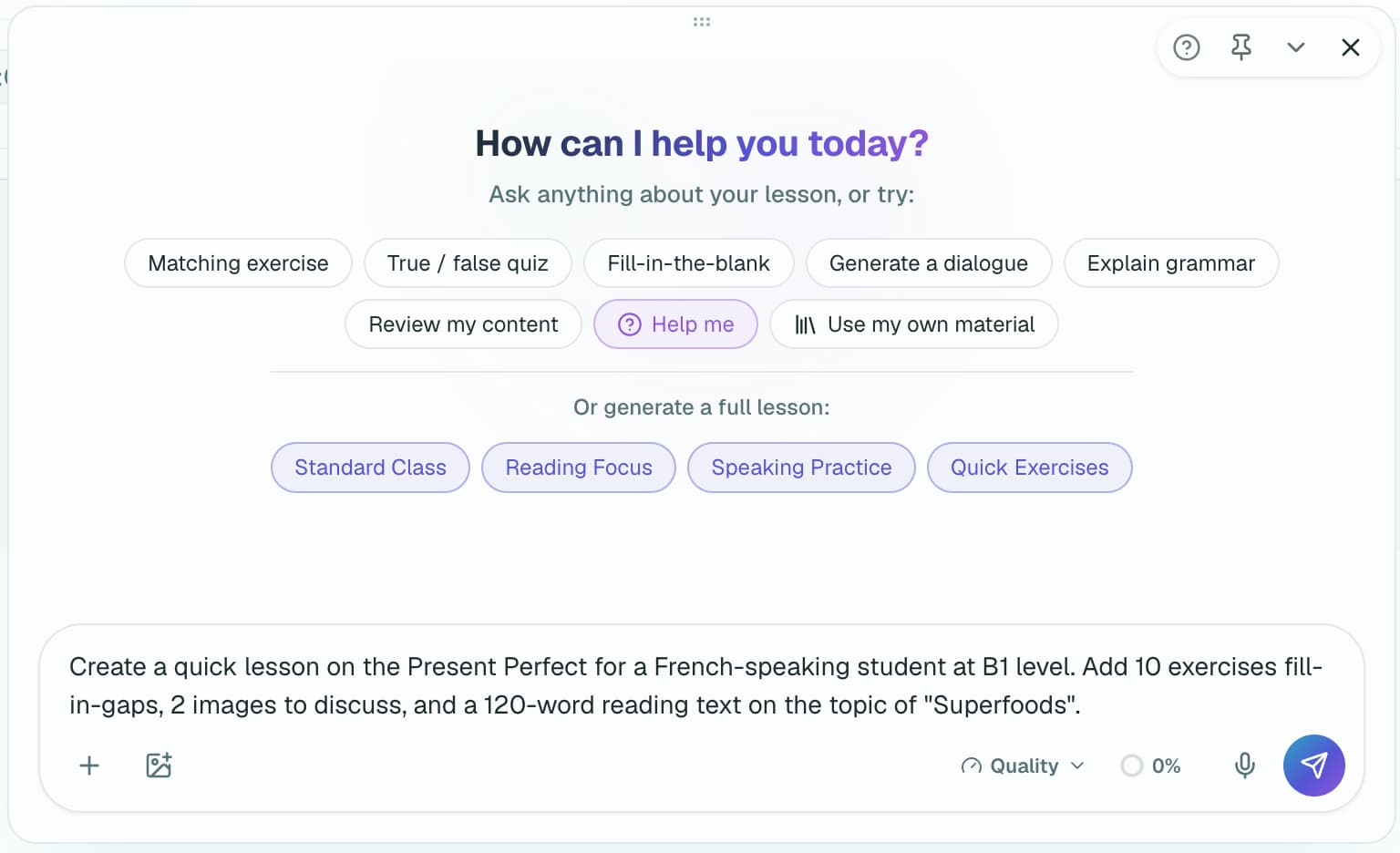
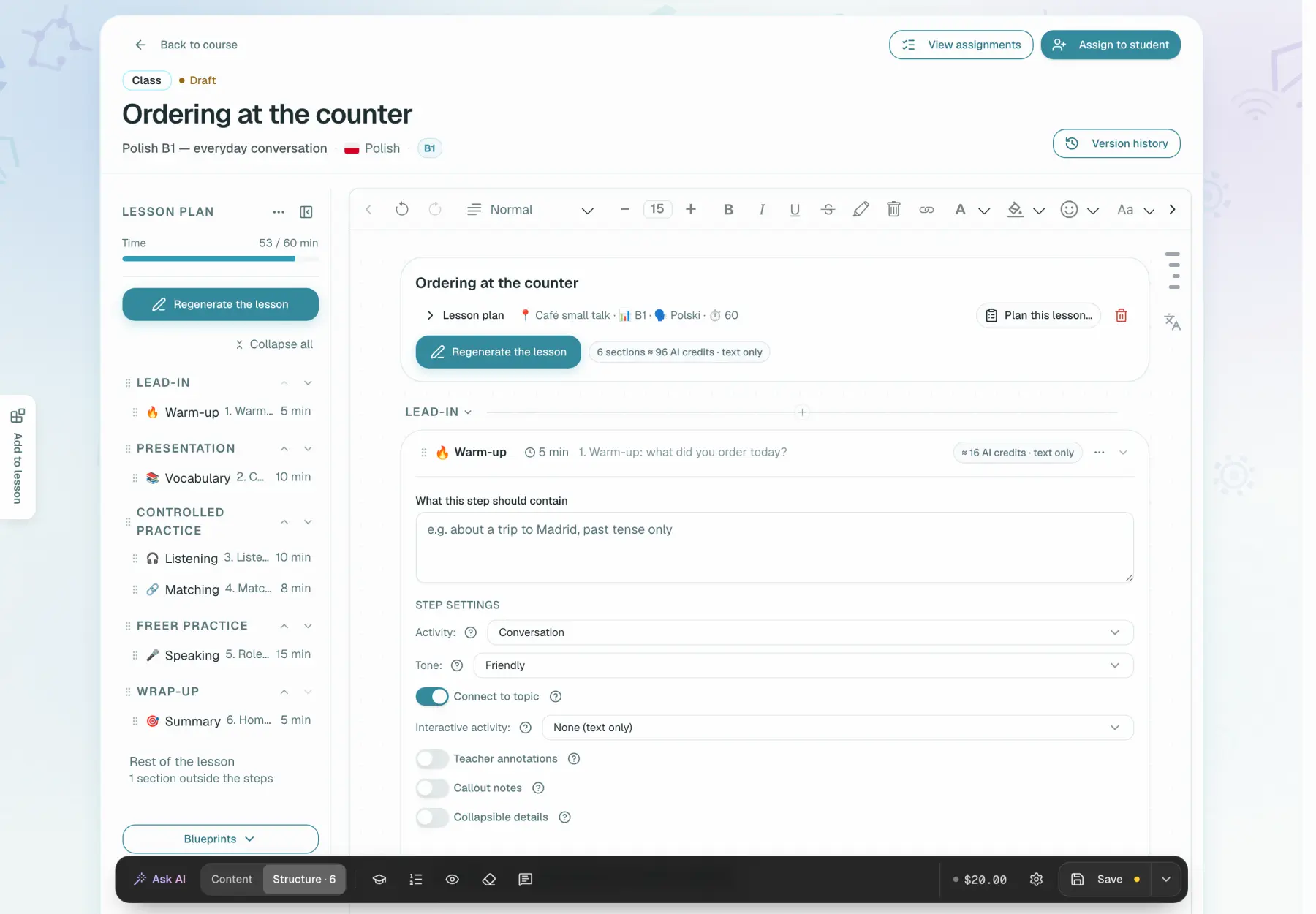
You describe the lesson you need. Ask AI asks about the student's age, first language and level, then generates exercises directly inside your lesson.
Ready-made, repetitive lessons are no more interesting to students than they are to you. Locuto helps you create lessons on topics your students find interesting and adapt the material to a particular student's needs. Ready lessons can be reused, and even a beginner can get started. That way you build your own recognizable brand instead of teaching someone else's program, which is not always convenient for you.
A course from the catalogue becomes your own draft, with all its lessons
Describe the steps of a lesson once, then reuse them on new topics
Tell Ask AI the topic you need — it asks its own clarifying questions and assembles the material, allowing for the student's age and first language.
Material you have built up over years does not need retyping. Paste the text or a photo of the page, say which exercises you want from it, and you get real exercises you can edit — not a picture sitting inside a lesson.

Use your own recordings or those you have permission to use. Transcribing someone else's video without permission uses their work without authorization.
Warm-up, new material, practice, review — build the lesson the way you teach it, then save the complete lesson as a template for the next one.

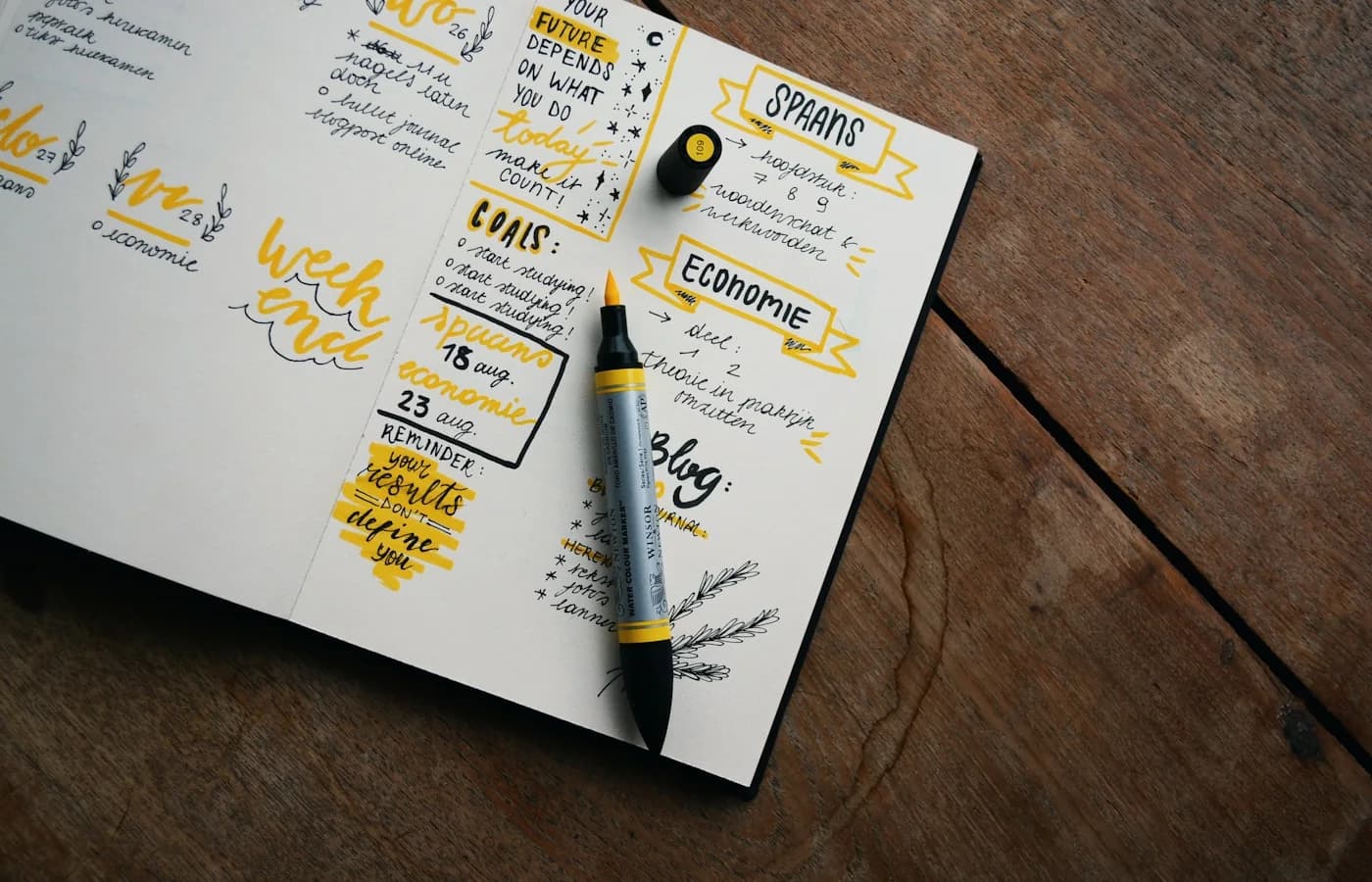
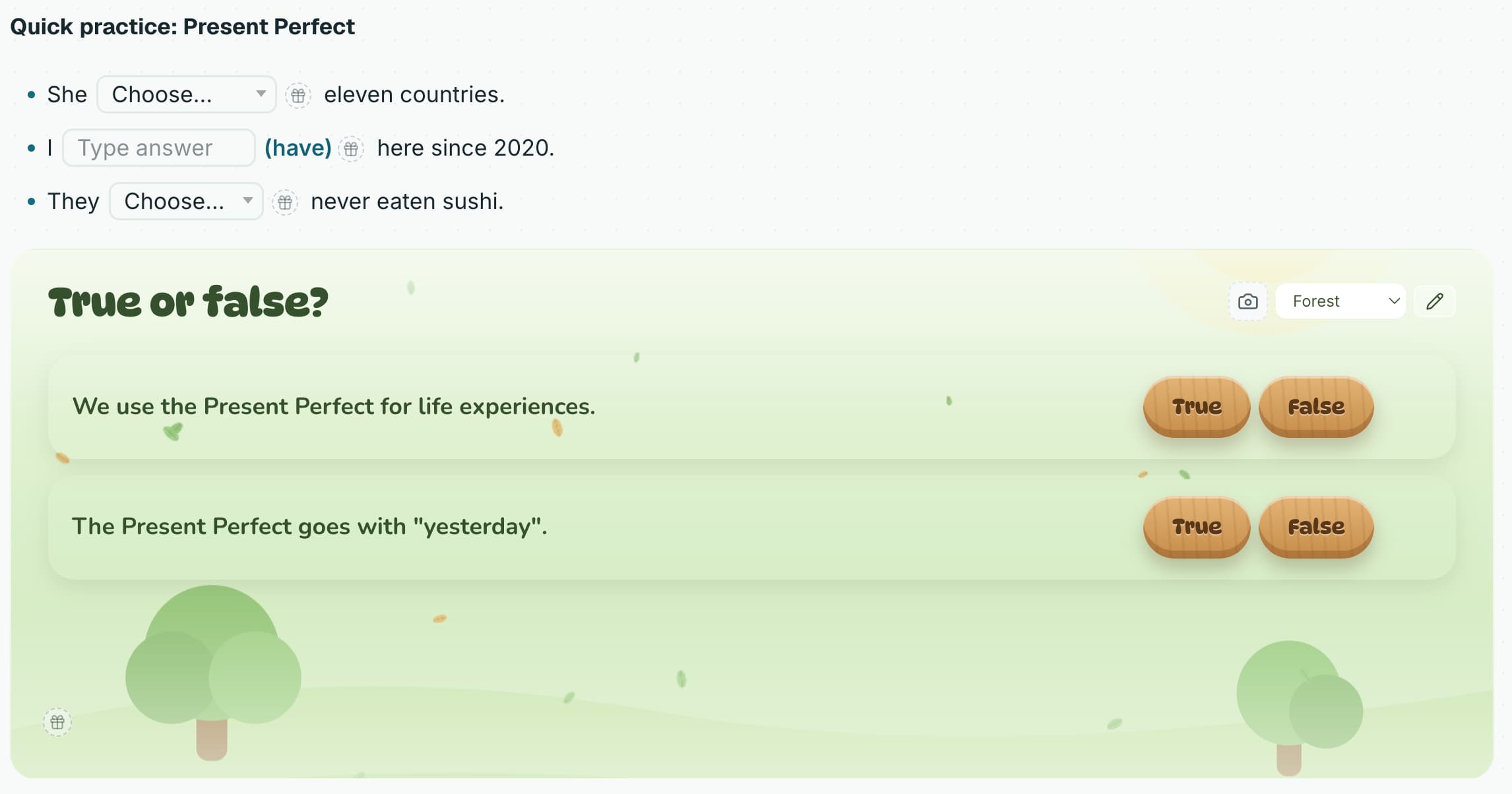
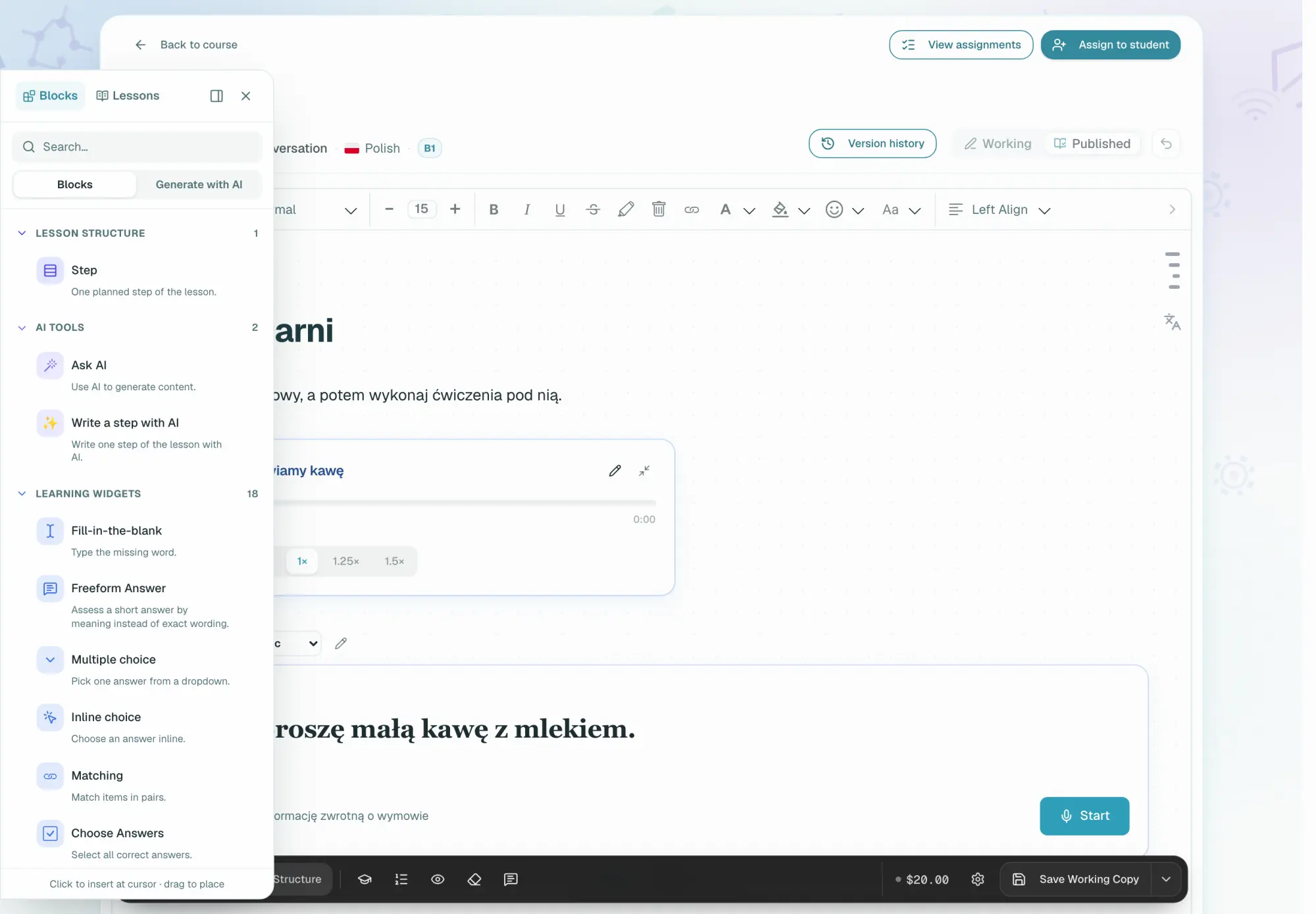
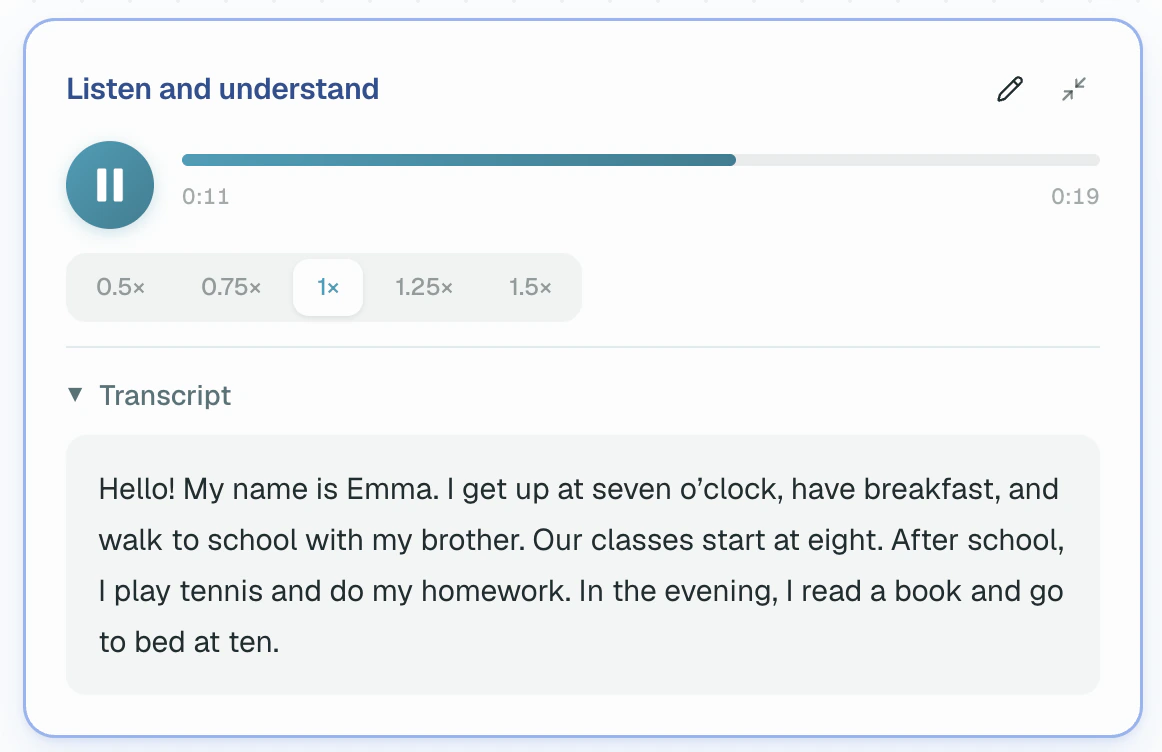
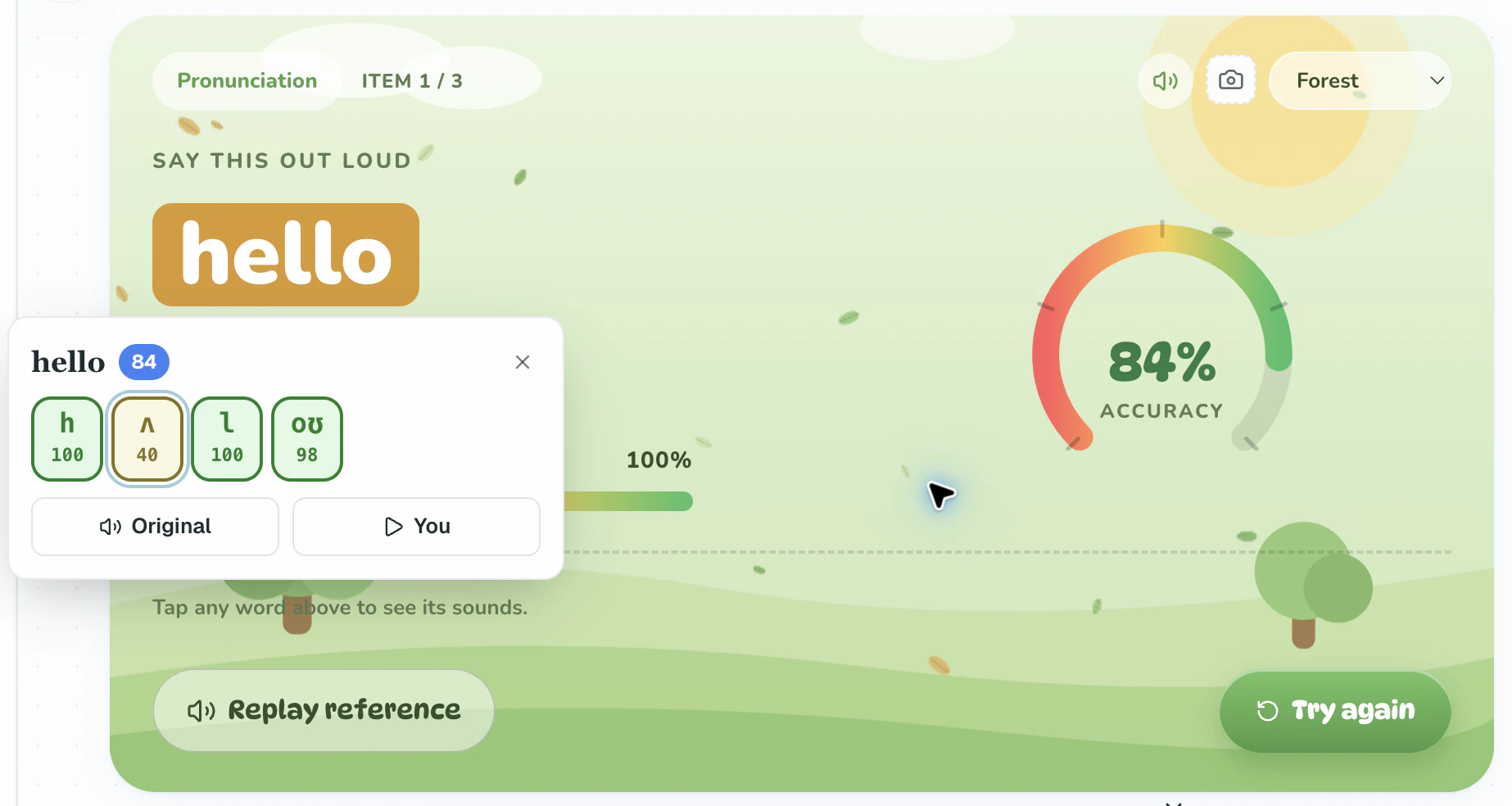
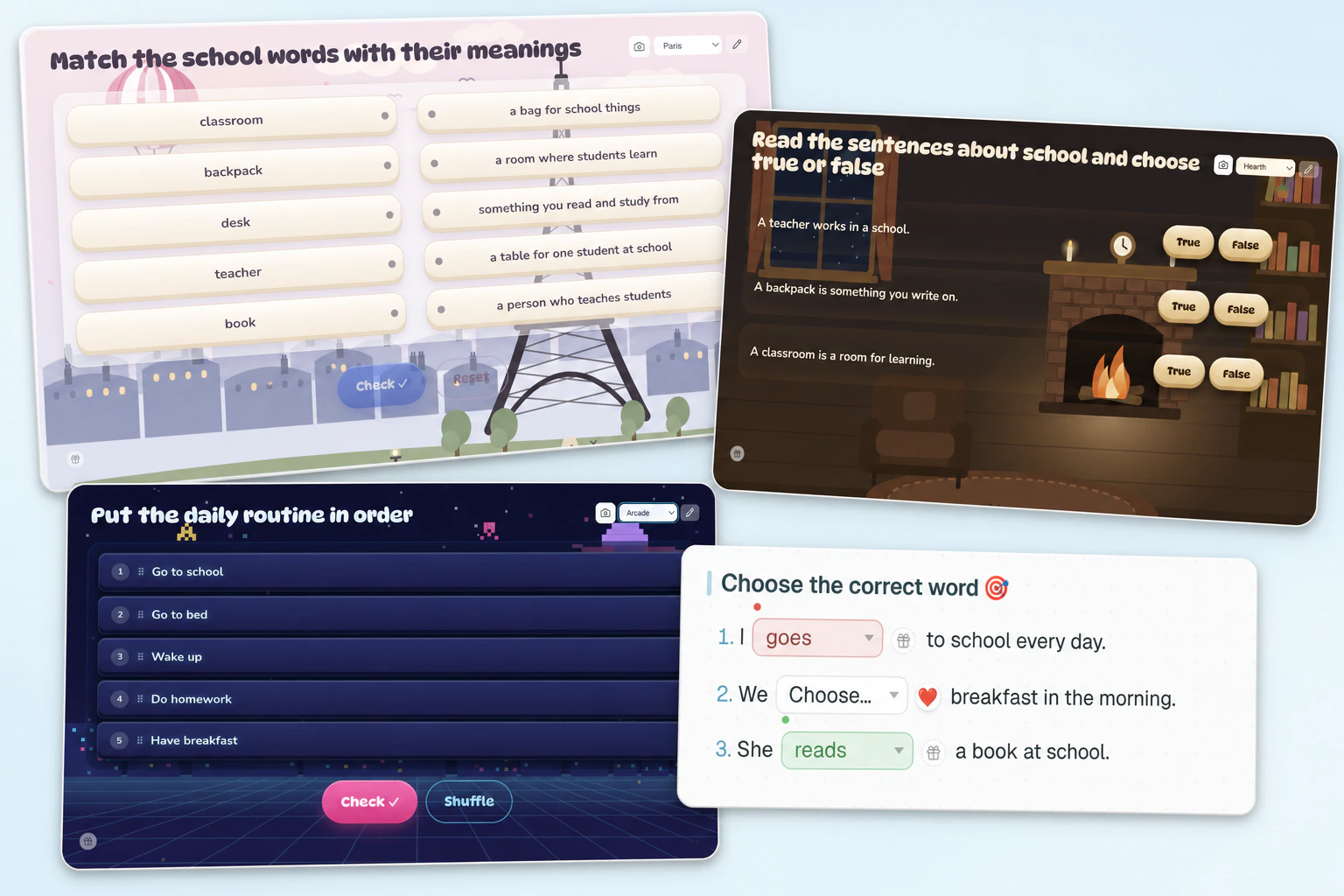
The platform offers 35+ exercise types and more than 15 visual themes: from gap-filling to a virtual examiner that assesses not only grammar but pronunciation as well.
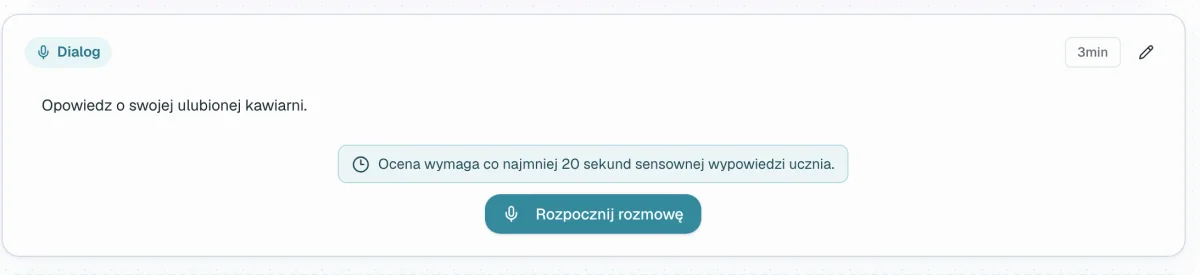
You mark handwritten work yourself, not the program. Written work sent as a photo is assessed by AI.
Most teachers keep their material in PDF. Upload a file — or take one you uploaded before — mark the pages you need, and your student answers right on them, while you see their notes where they left them.

* Notes left on PDF pages are not checked automatically.
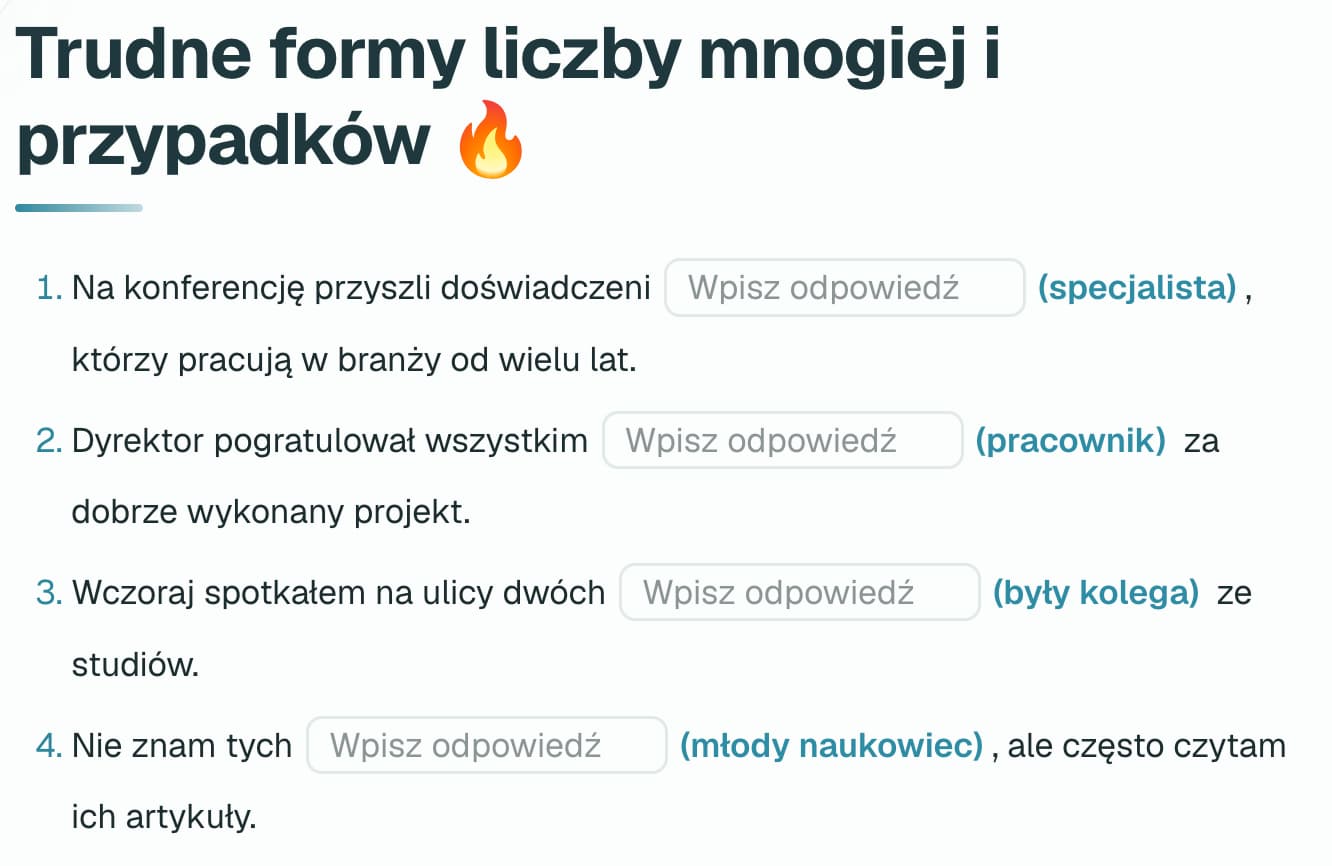
Matching, gaps, multiple choice and ordering come back marked the moment your student presses the button: instantly, free, with no AI. Free answers, essays and speech go to AI instead, and if you untick that, the work waits for you.
Your correction is signed with your name and the time, so you can explain it to your student.
A children's lesson consists of game-shaped widgets and short steps, and the topics are chosen so the child stays to the end of the class.
Try it free: build your first lesson from a starter template or start from scratch.
Your student is already there and you have nothing prepared. Open an empty class — no course and no schedule needed — call them in and add exercises while you talk. You can change everything in the lesson as you go, adapting it to yourself and to the student.
With your permission, your student answers and makes notes right in the lesson material. Afterwards it stays with them as interactive notes: your explanations, their answers and their own remarks, all of it open whenever they want.
Nobody can wreck your lesson for good: you see who is doing what, you withdraw the right with one click, and you put the lesson back to a saved version.
The topic went somewhere else, the student asked for more examples, the exercise turned out to be easy — write another block of theory or practice straight into the notes without leaving the lesson.
Everything that normally needs a second application is in the lesson itself.
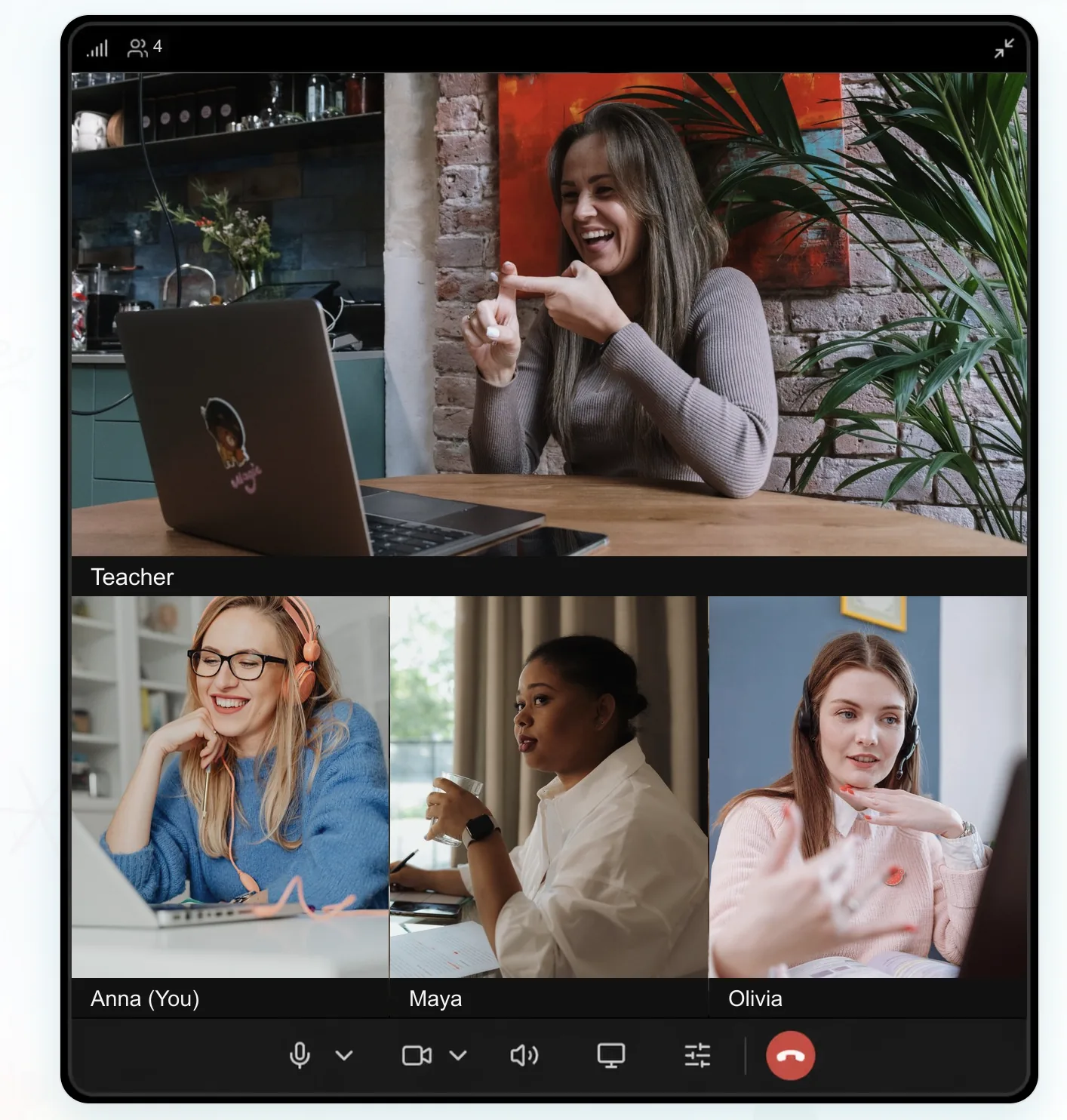
A lesson can be recorded right on the platform from the teacher's screen. Students can then watch the recording on the lesson page. Recordings are kept for a limited time and deleted automatically, and the platform warns the school about this by email in advance: two weeks, one week and one day before deletion. This is a paid feature that a school can switch off in its settings.
Everything a second application and a chat window are usually kept open for is in the lesson itself.
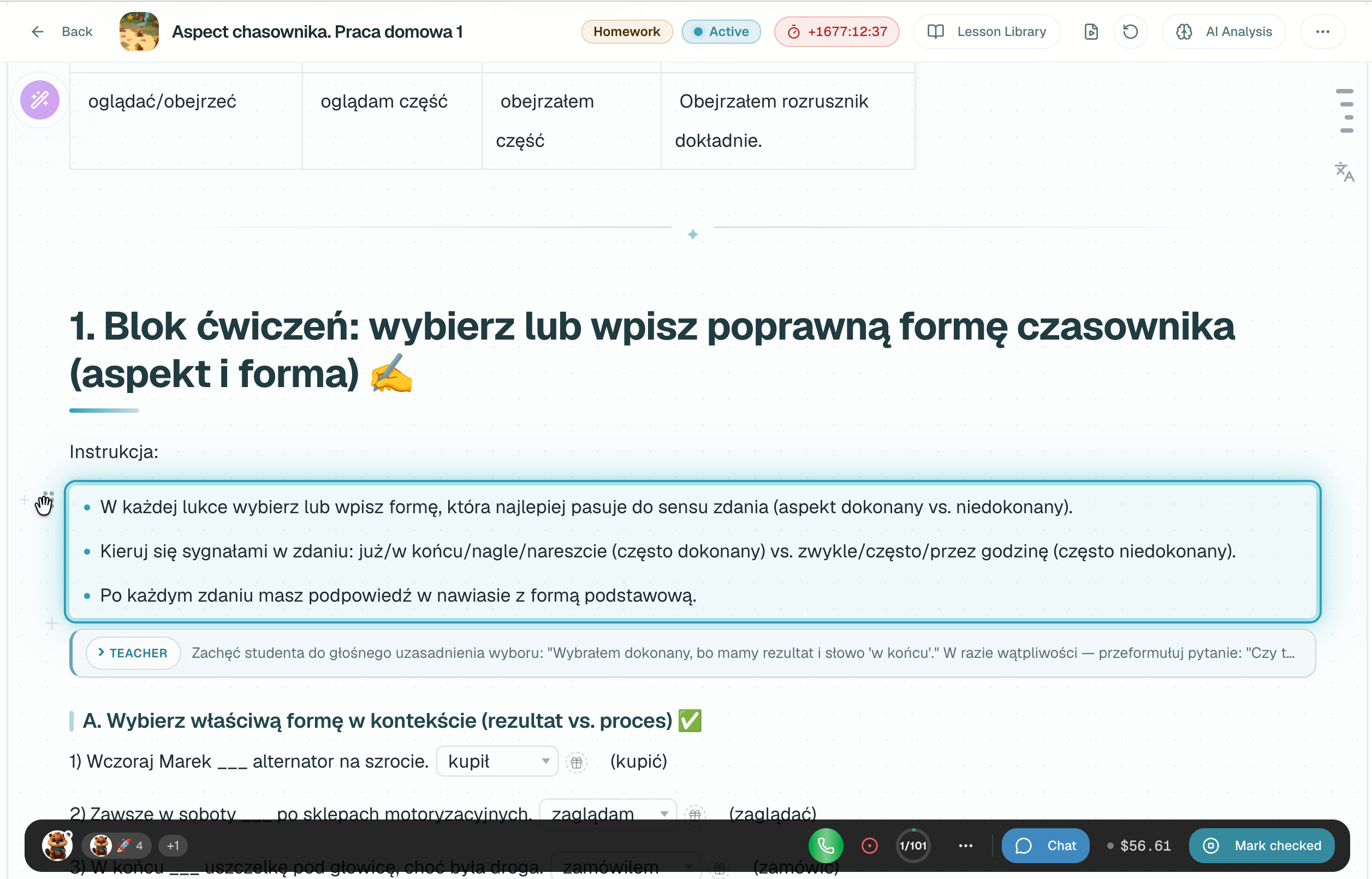
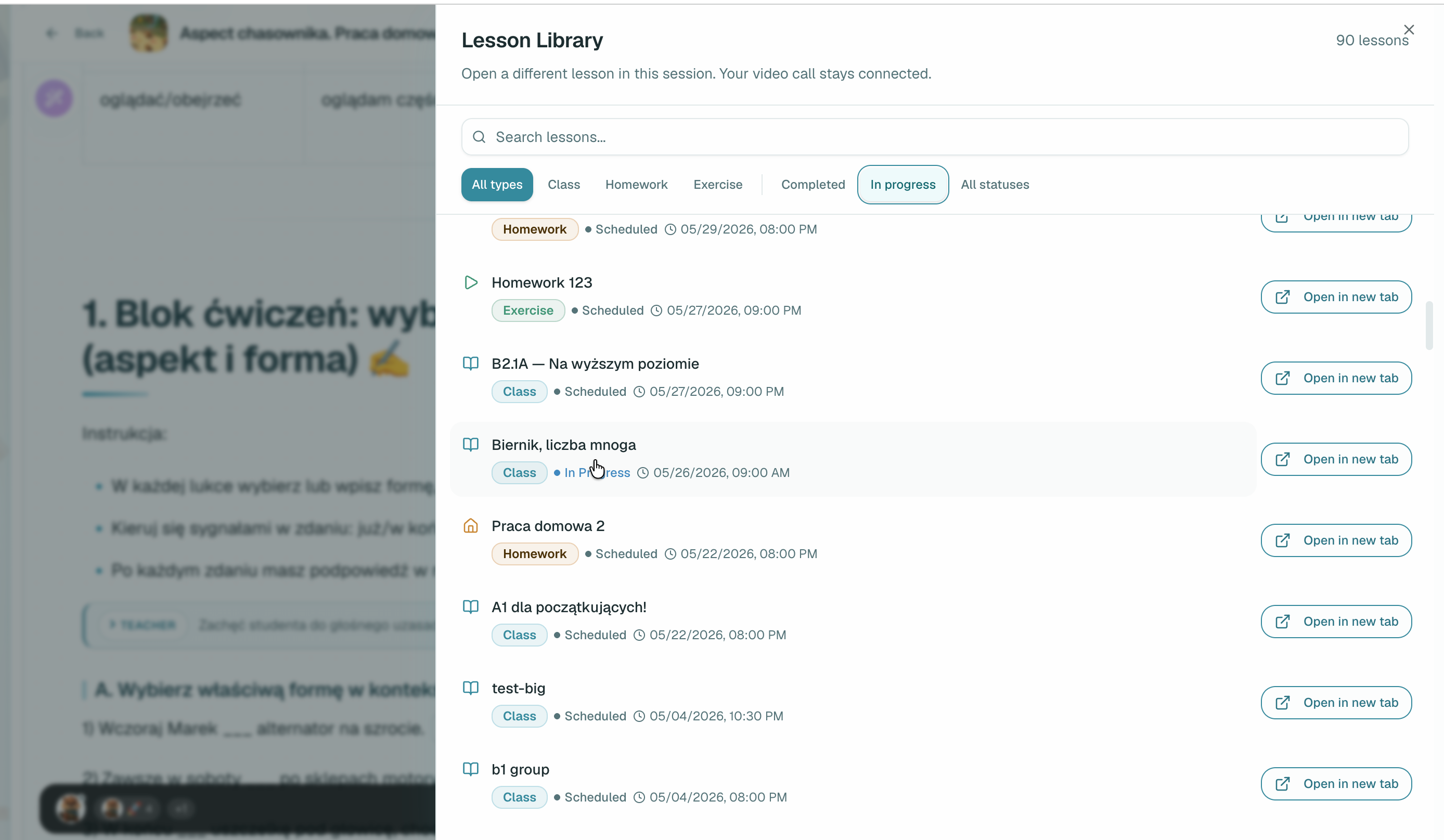
This is only a small sample of the tools available to teachers during a lesson. Try them and share your feedback with us.
Homework and self-study tasks can be attached to a teacher-led lesson. They can be assigned automatically with the lesson, but become available only after it.
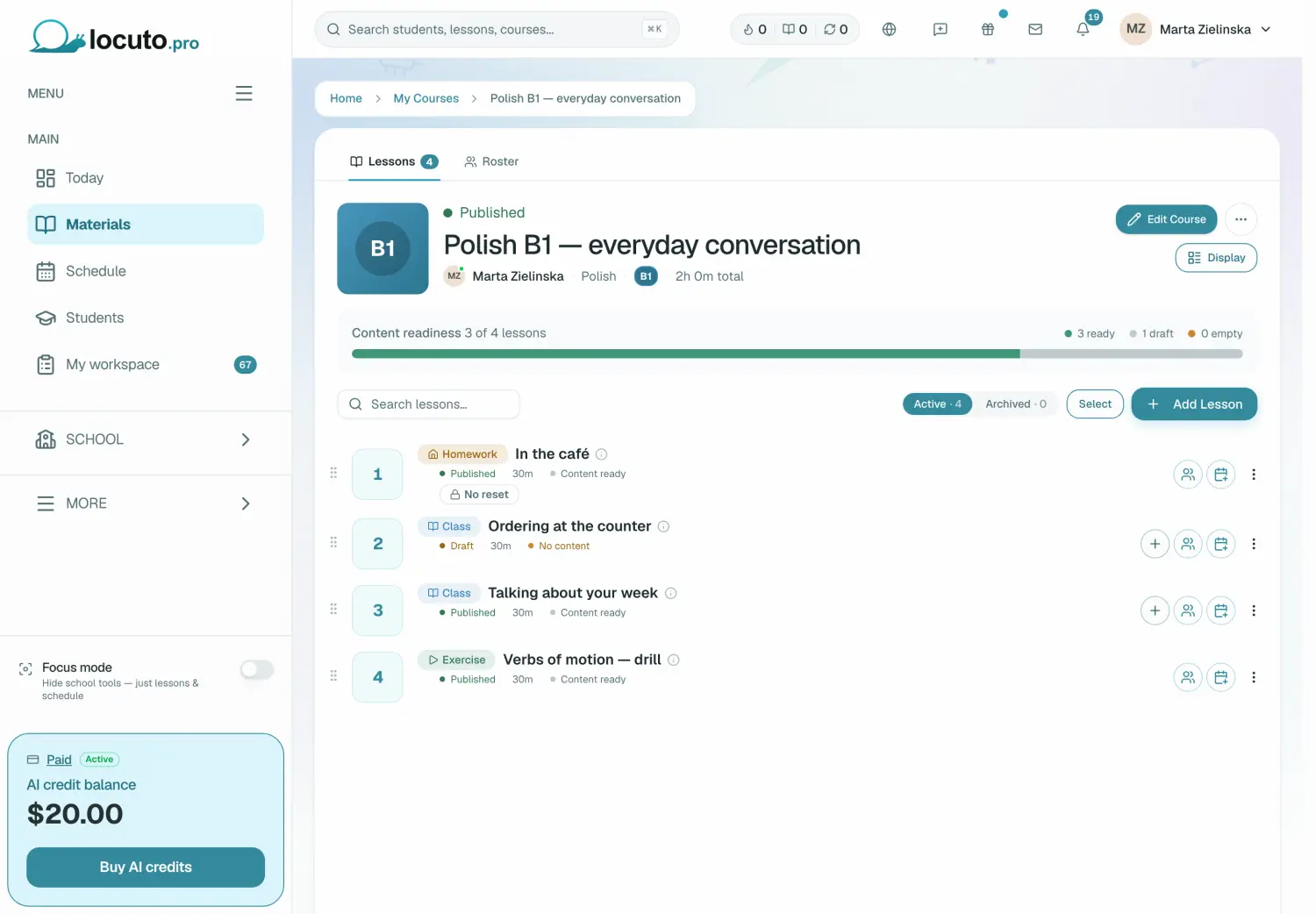
Pick the lesson, tick what goes with it, set the deadline and write down what to look out for.
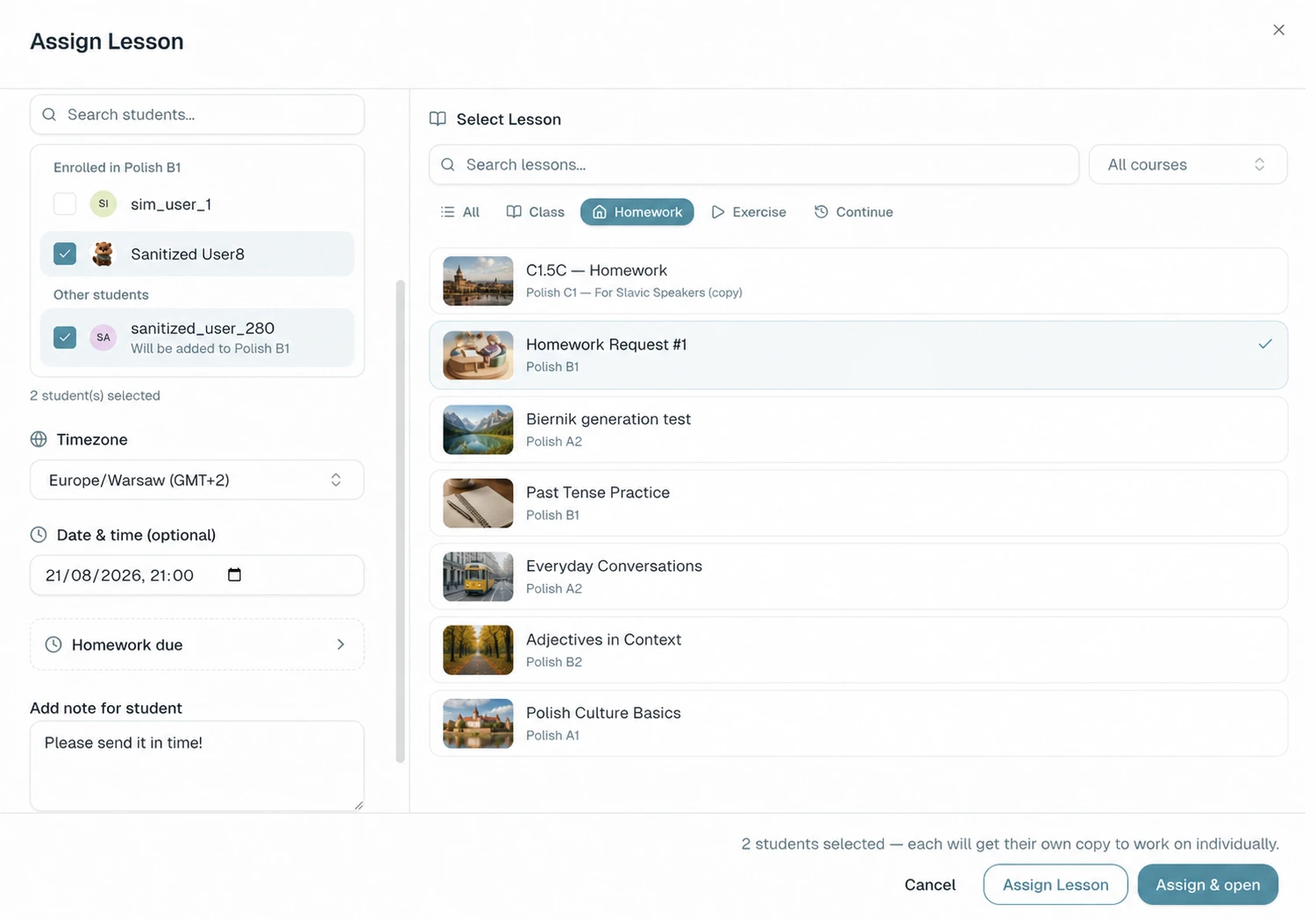
The note on an assignment is visible to your student, so write it for them.
Fill the lesson with practice so every student stays involved, never waits for their turn and knows they are here to make progress, not just to listen.
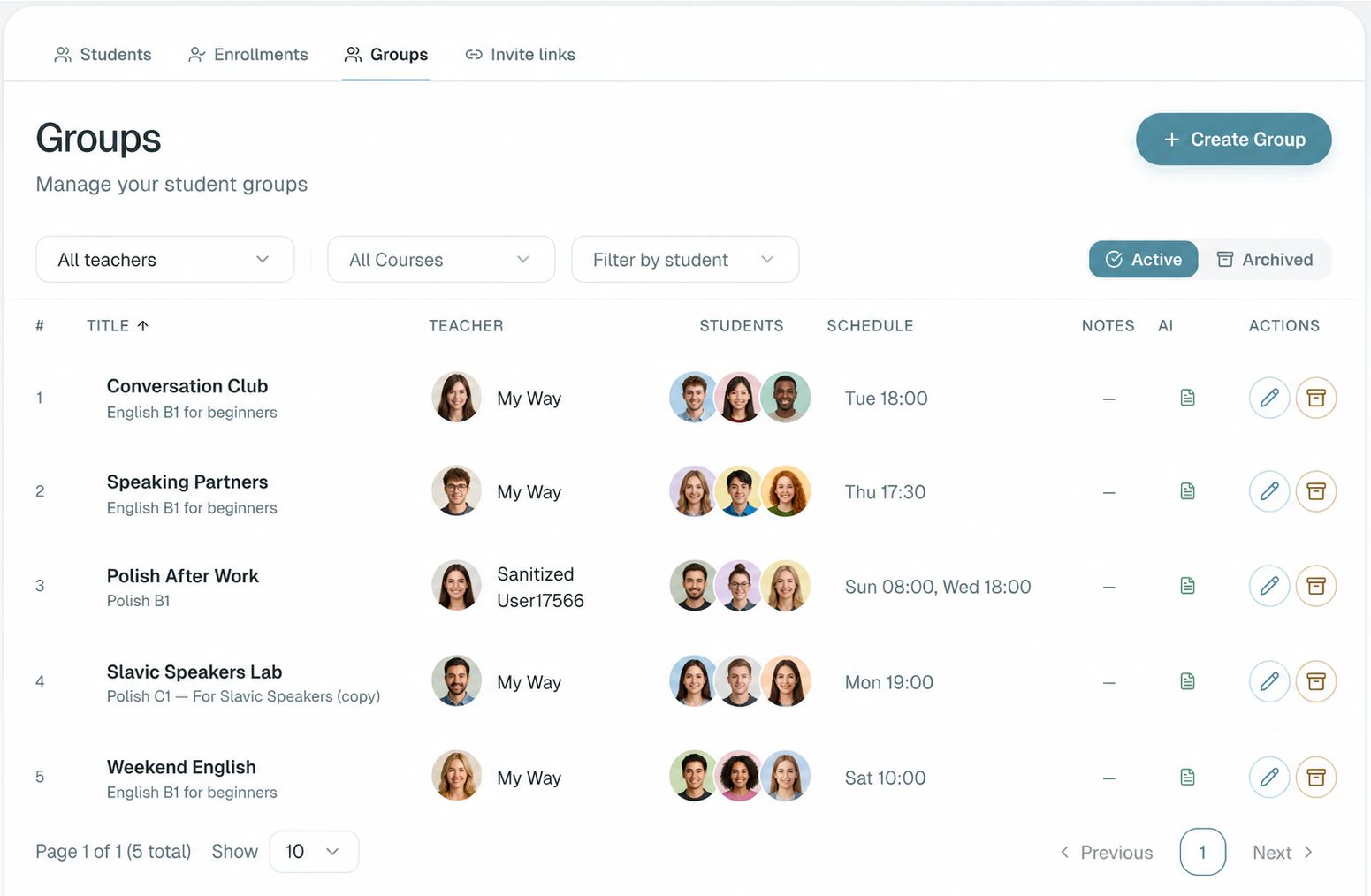
You can assign one lesson to a whole batch of learners at once — up to 20. For the class itself we recommend 6–8, so everyone gets time to speak.
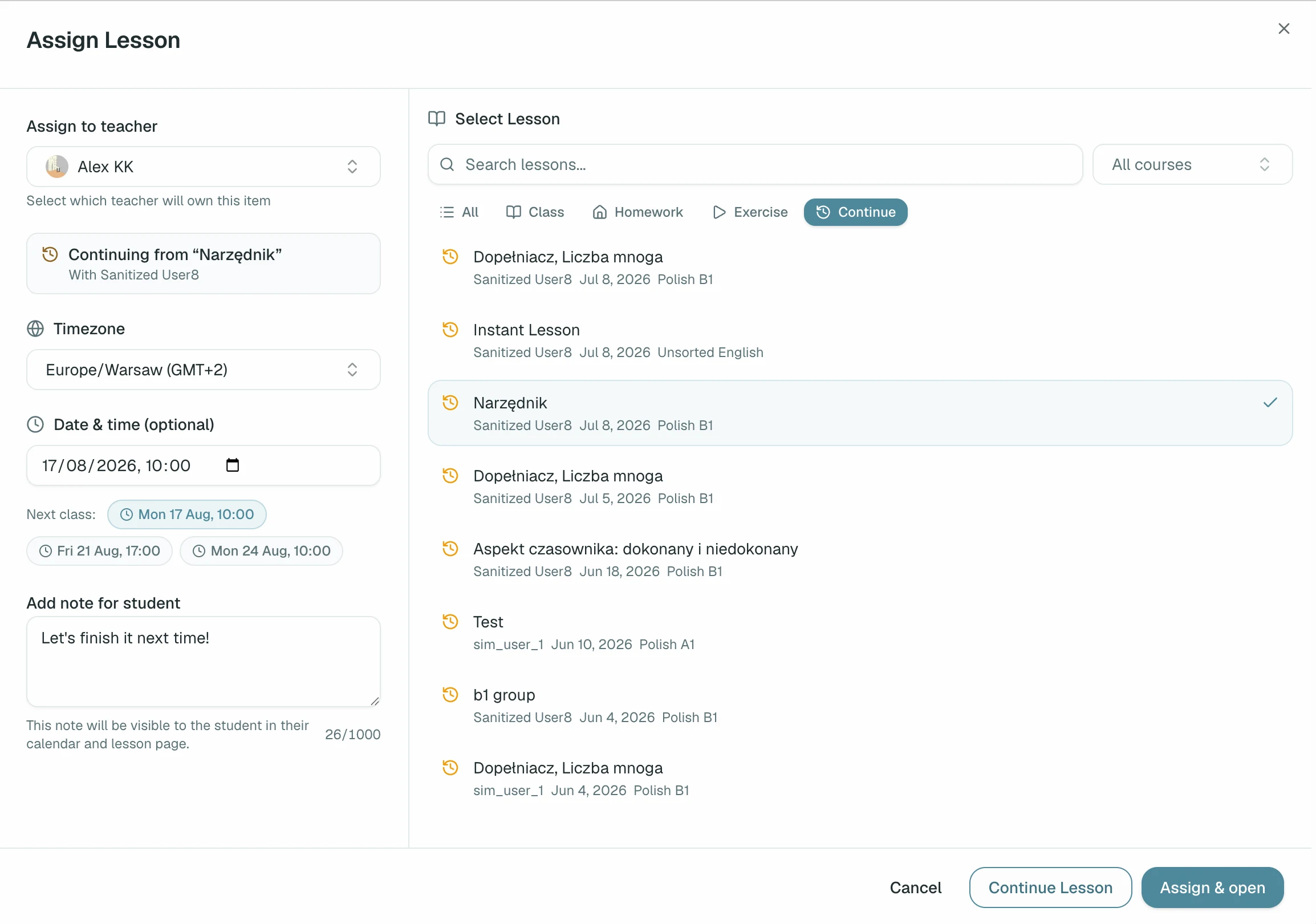
If you do not finish the material, assign it to the next meeting. The new lesson keeps all the work already completed, so the class never has to start over.
Students can quickly return to any part of the material and review it between lessons.
Don't migrate everything at once. Build one lesson from your own materials or draft one with Ask AI and teach a session with a student you know. Start free — no commitment required.
Start freeNot ready yet? Look inside a lesson first