Interactive Lesson Builder
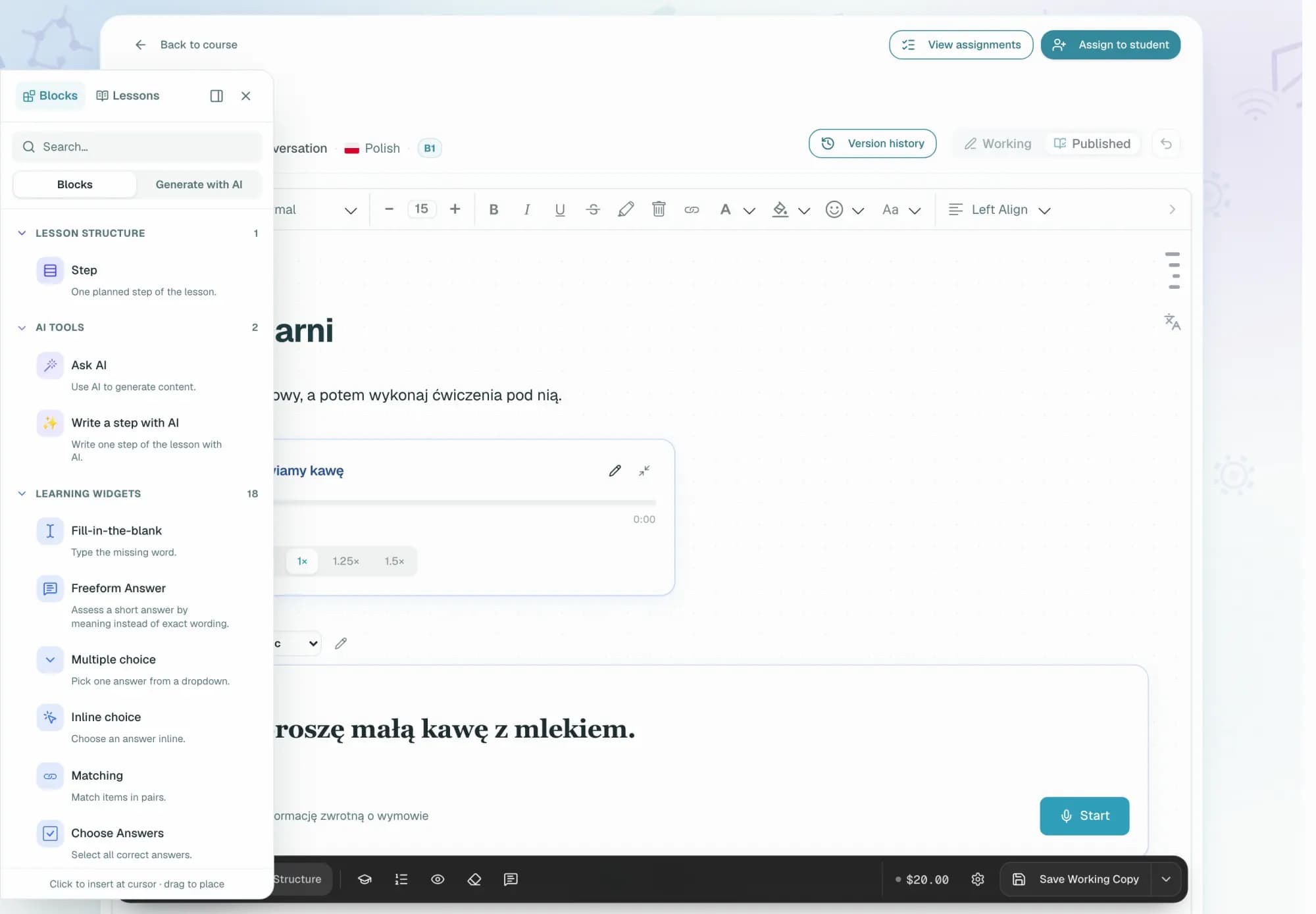
Build rich lessons with text, media, exercises, teacher notes, whiteboards, image tools, and presentation mode.
Platform Capabilities
Prepare lessons faster, keep live classes active, make homework visible, and run your school from one place.
Last updated: September 1, 2026
Teachers prep in minutes, students practice between classes, and schools see attendance, homework, and activity in one dashboard.
Build rich lessons with text, media, exercises, teacher notes, whiteboards, image tools, and presentation mode.
To keep new words from fading after class, every student has a personal vocabulary list and review cards for practice between lessons.
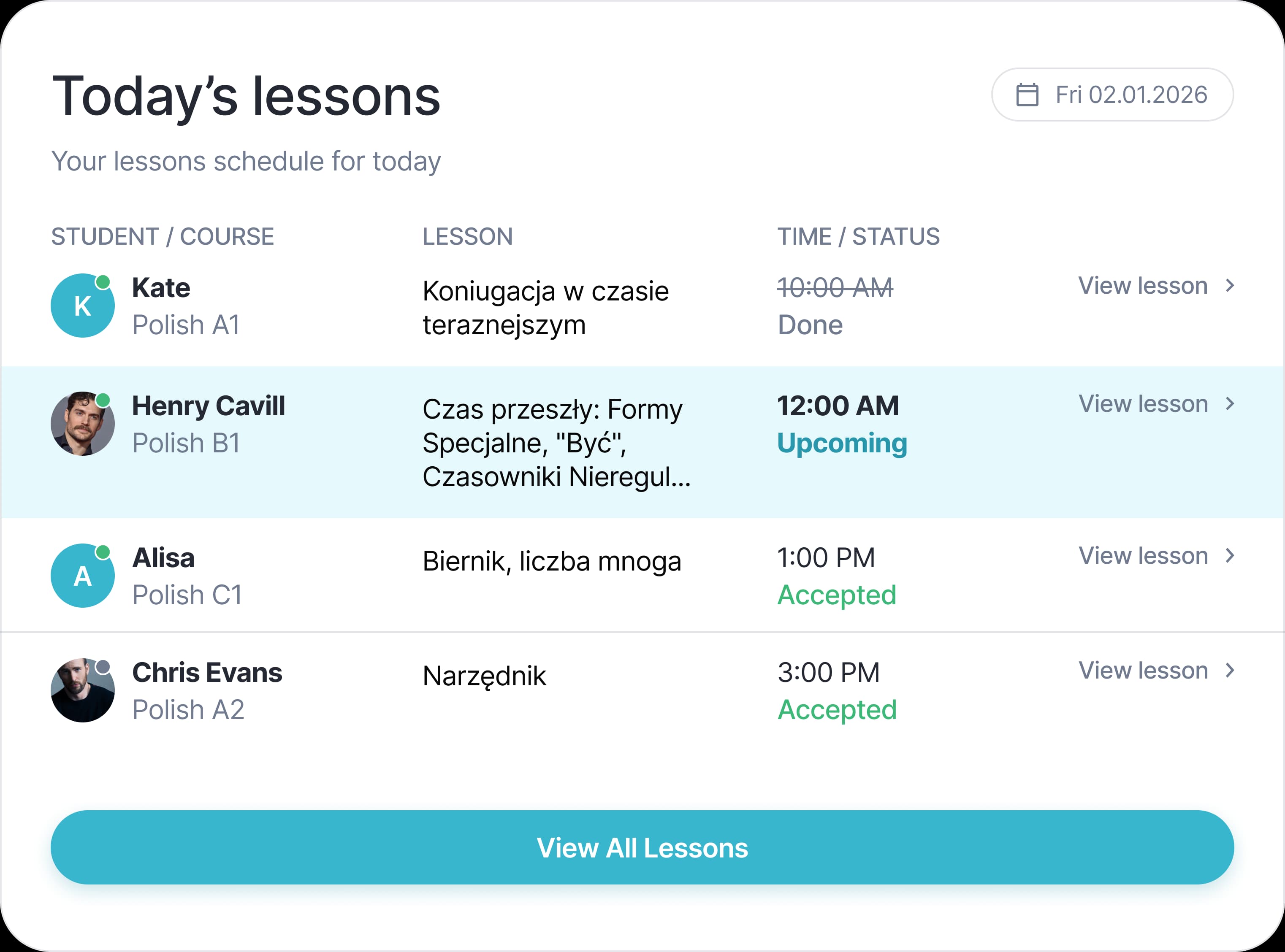
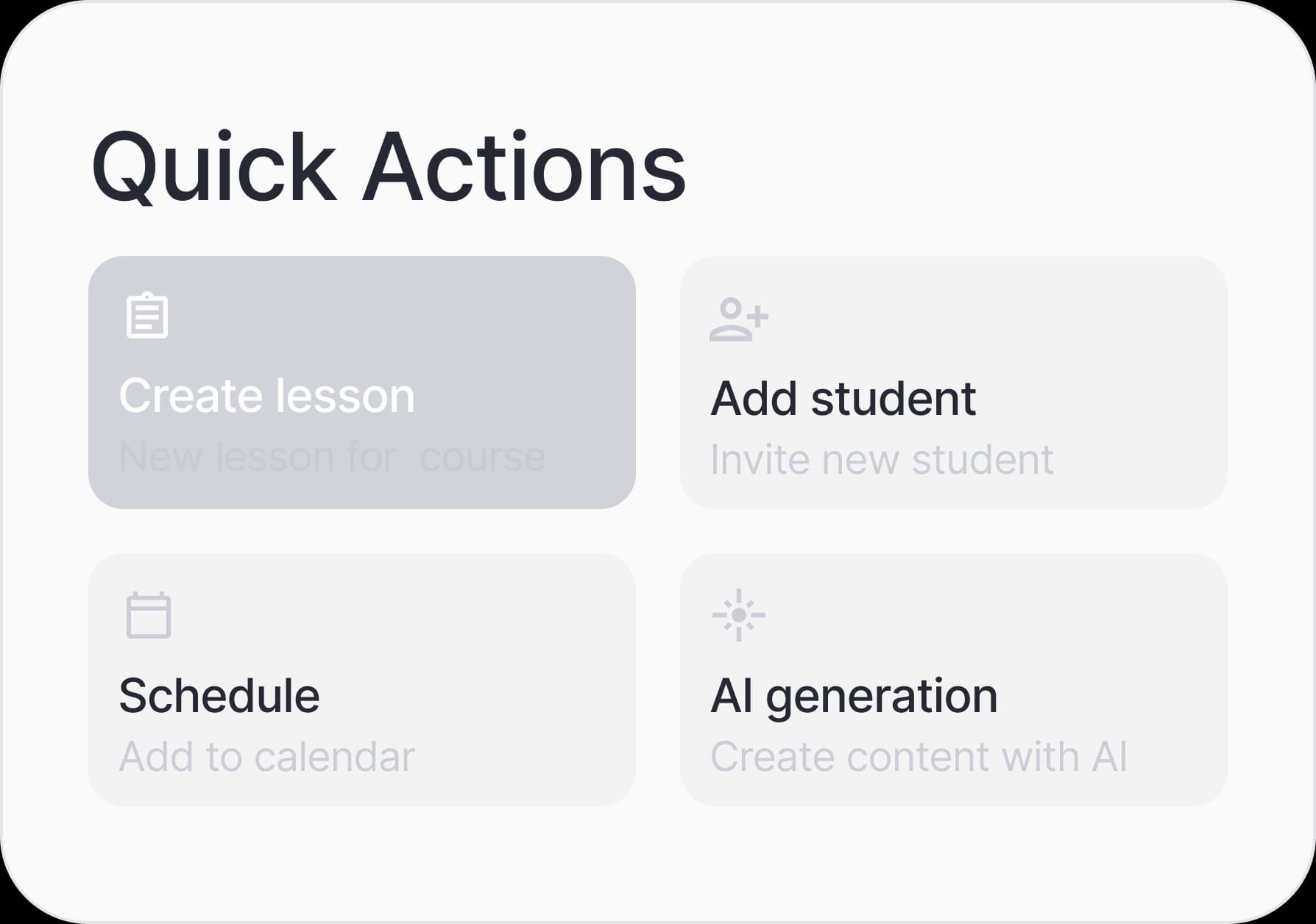
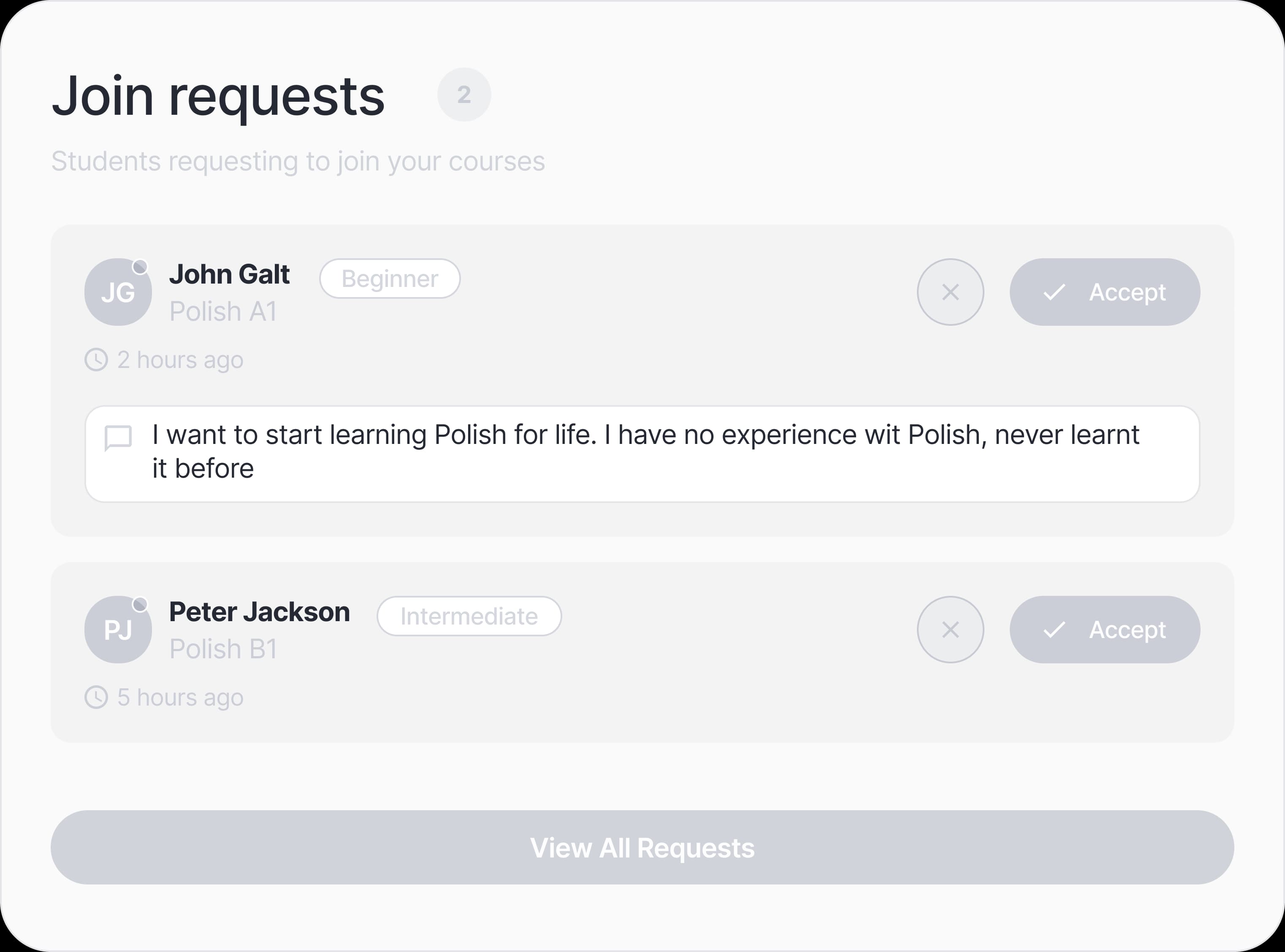
Create courses, enroll students, schedule lessons, assign homework, and review submissions from one teaching workspace.
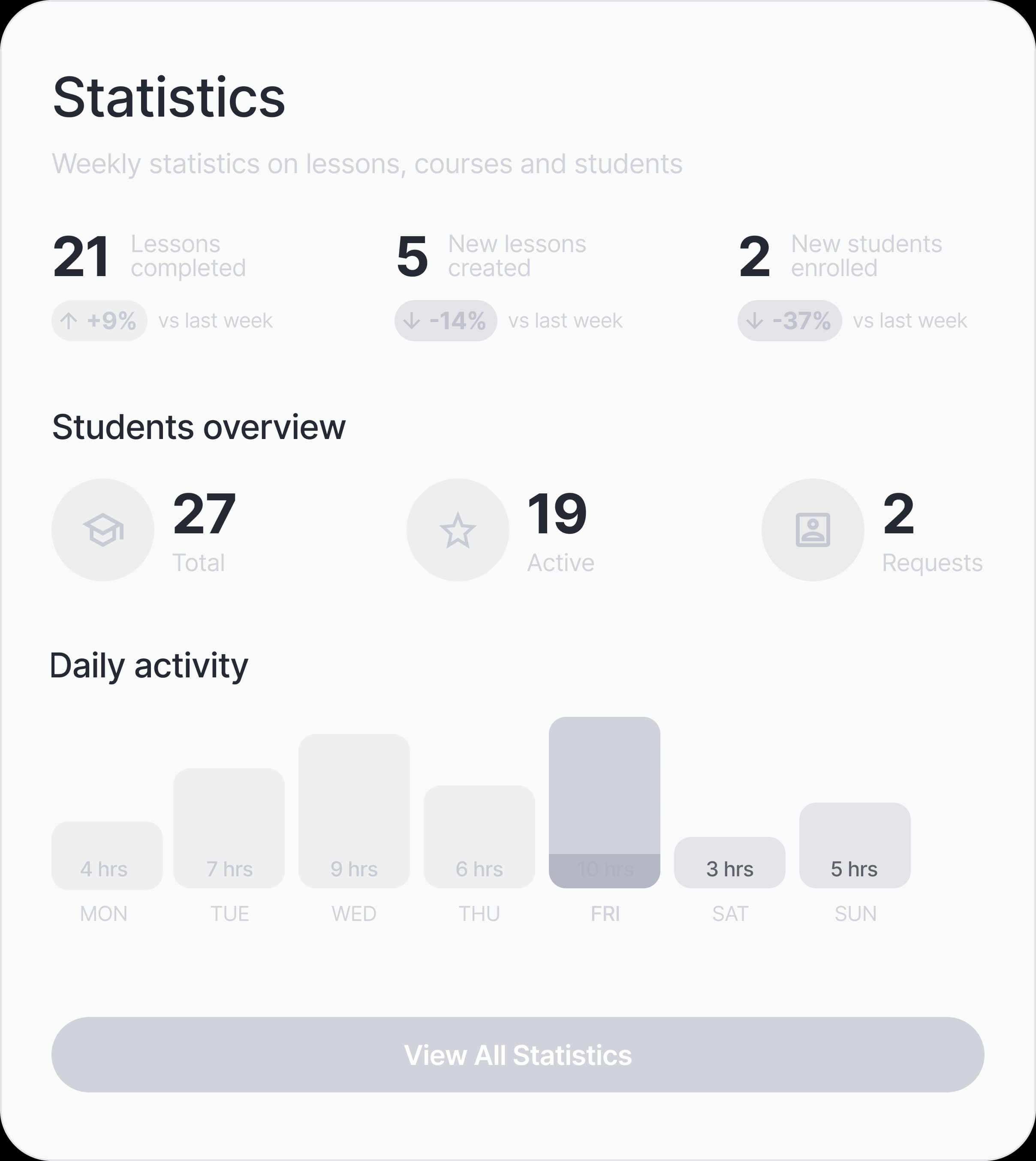
Track active students, teachers, lesson hours, homework completion, AI credit balance, and learning activity from one dashboard.
Use video calls, breakout rooms, synced slides, focus jumps, shared materials, rewards, and student work in the same lesson space.
Teach in 11 languages (including English, Polish, German, Spanish, and French) with CEFR levels, target language settings, and a localized interface.
Bring in activities from Wordwall, Quizlet, Genially, H5P, LearningApps, Kahoot, Padlet, Canva, and other iframe-friendly tools, right inside the lesson board.
Start with a topic, text, video, exam goal, or uploaded material. The platform helps shape it into a strong lesson foundation while the teacher keeps the final voice and method.
Turn a topic, CEFR level, lesson style, and target language into a structured first version with explanations, media, and exercises.
The platform helps you build a strong lesson draft faster, while the method, tone, and final decisions stay with you.
Need a warm-up, grammar block, practice activity, exam task, or homework? Add it without rebuilding the whole lesson.
Keep strong materials in your library, adapt them for another student or class, and build a consistent teaching style.
Choose the same activity as a calm Studio task, a Space challenge, a Forest game, or the plain Classic mode for exam-style work. Teachers set the theme per widget, so lessons can fit adults, children, homework, or live classes without plugins.
Listen to the reference, record yourself, and get instant feedback with word-level and sound-level scoring.
Keep video, lesson material, answers, focus, rewards, and follow-up in one place so the class feels guided, not improvised.
Teach individual students or classes while everyone works with the same interactive material.
When the lesson runs long, keep the document state and answers so the next meeting starts from the right place.
Supported live lessons can produce a transcript and structured summary so teachers can review what happened and plan the next step.
Record the full live lesson — shared screen, cameras, and audio — into one video. Absent students can catch up inside the platform, so a sick day does not break the course.
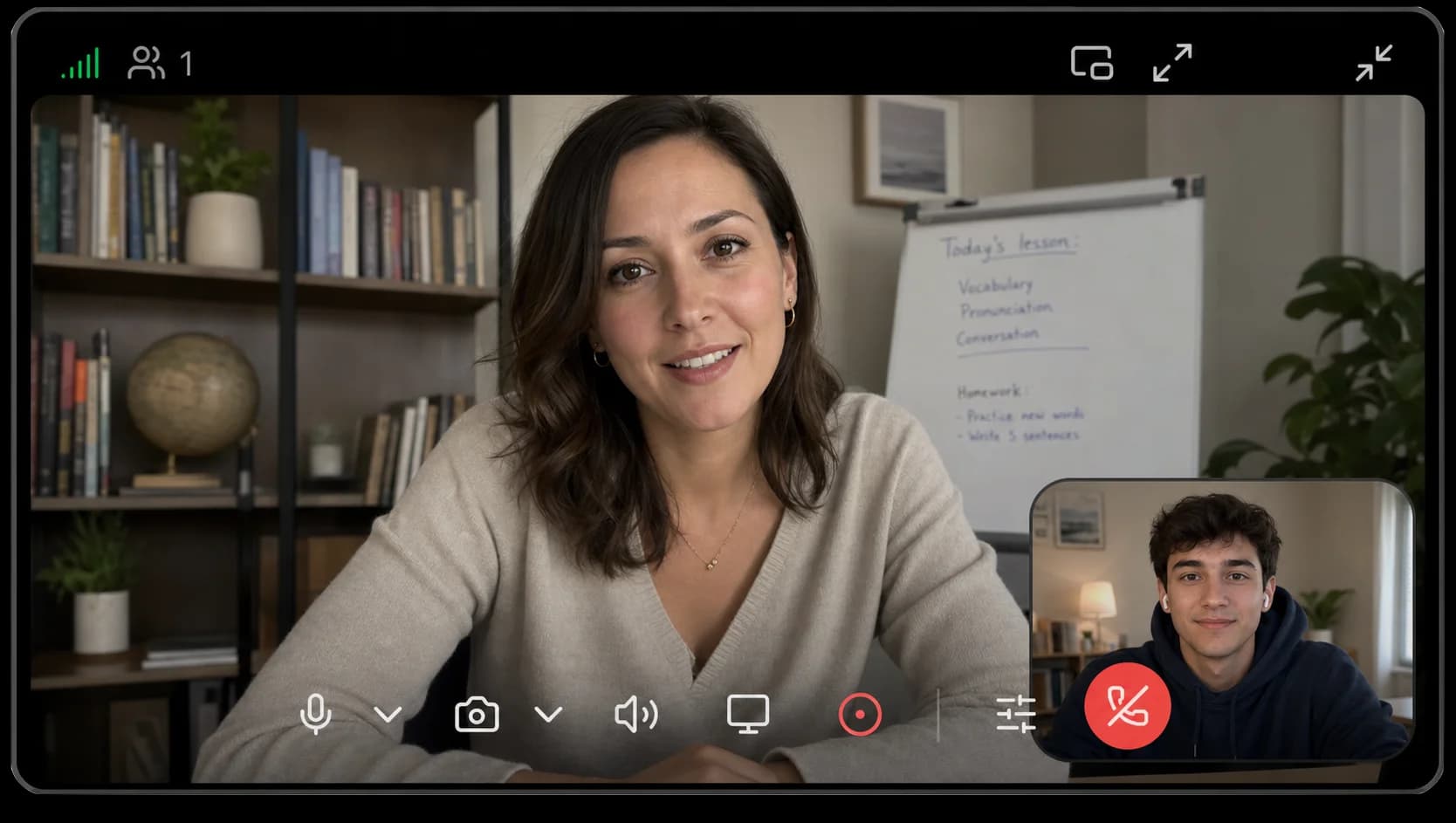
Capture the whole live session — screen share, camera, and audio — as a single video, ready shortly after class ends.
The recording stays available right inside the course. Downloading stays restricted to teachers and school admins.
Use the same recorder while reviewing a student's homework — talk through the corrections on screen, and the student replays it as personal video feedback.
Embed prepared videos directly into lesson content. During live class, playback follows the teacher so everyone stays in sync.
Clear tasks for students, a focused review queue for teachers, and feedback in the same lesson context.
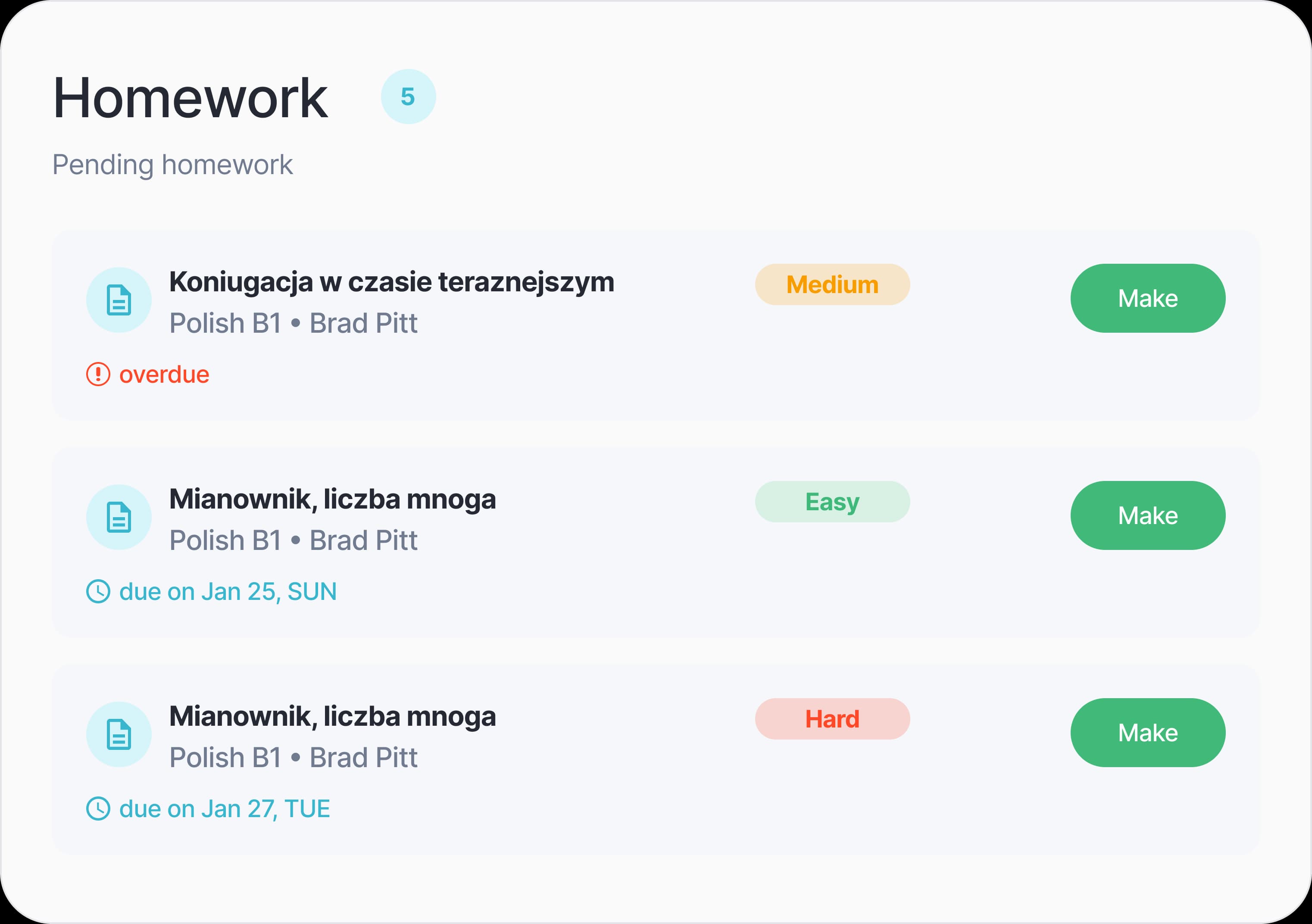
Give homework to one student or a whole class while each learner keeps a separate copy, answers, progress, and feedback.
Open submitted work, check objective tasks quickly, and spend your attention where teacher judgment matters.
Use simple essays, photo-based writing review, or rubric-based assessment for typed and handwritten work.
Instant in-context answers for the exercise on screen — grammar rules, vocabulary, instructions — during live classes, homework, and self-study. No tab-switching, no generic chatbot.
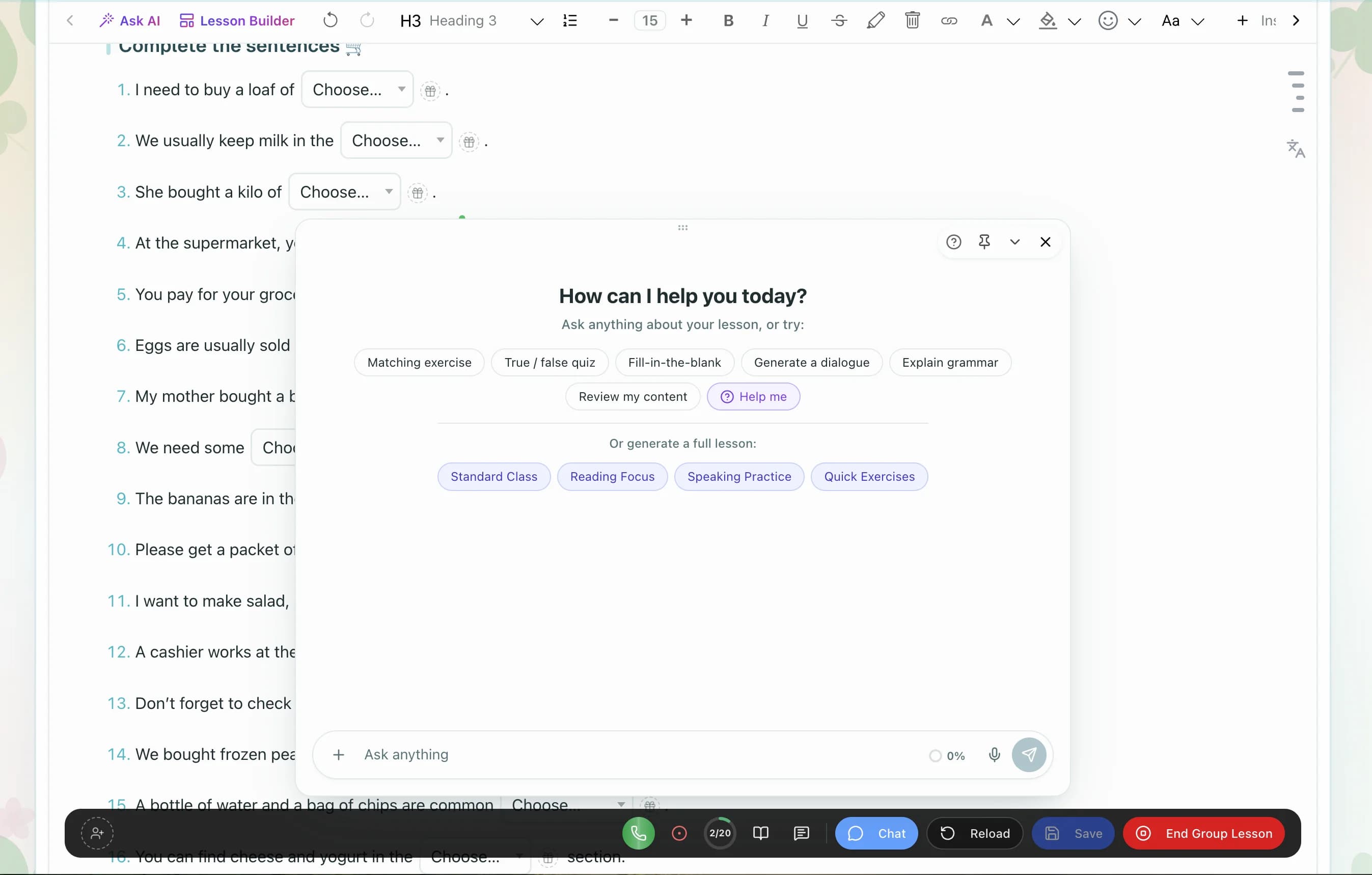
Ask AI sees the current lesson, so explanations match the exact exercise or grammar point the student is stuck on.
Available during live sessions, homework, and self-study lessons — help is there even when the teacher isn't.
Runs on the student's own plan, starting with free monthly AI credit. A typical question uses only a small amount of AI credit.
Quick rule explanations, word meanings, and usage examples in the language the student is learning.
Use visuals, games, drawing, rewards, and short resets when attention needs rhythm and variety.
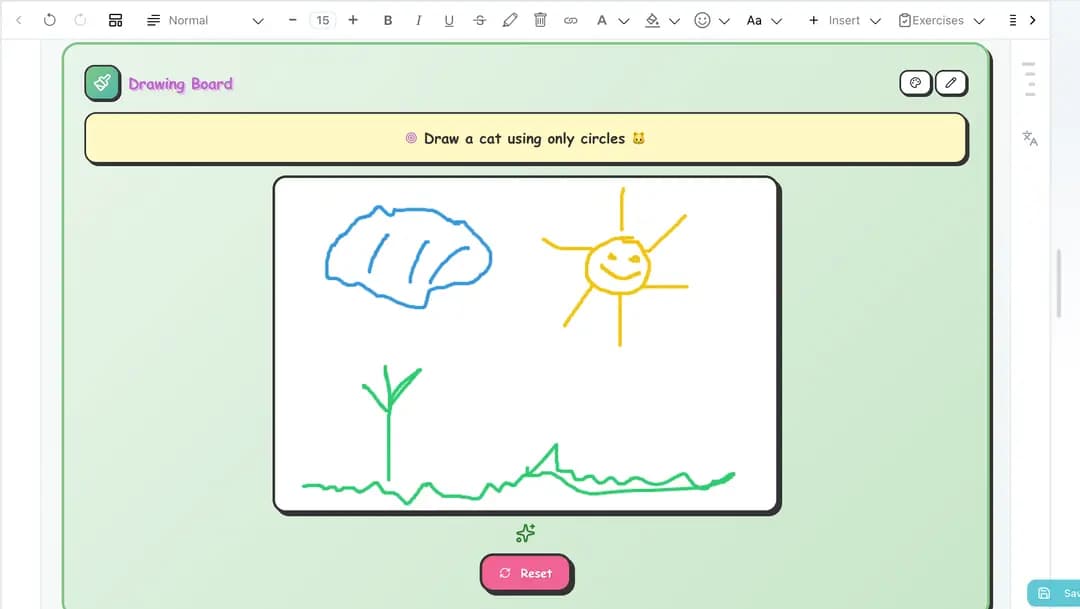
Use image choices, matching games, illustrated vocabulary, and visual prompts.
Add breathing timers or pause blocks between demanding activities.
Switch individual widgets between playful, calm, and classic styles so the activity fits the age, mood, and setting.
Use rewards and visible progress to reinforce participation during live lessons.
Organize learners into classes, assign teachers, release curriculum by strategy, and keep an eye on learning quality.
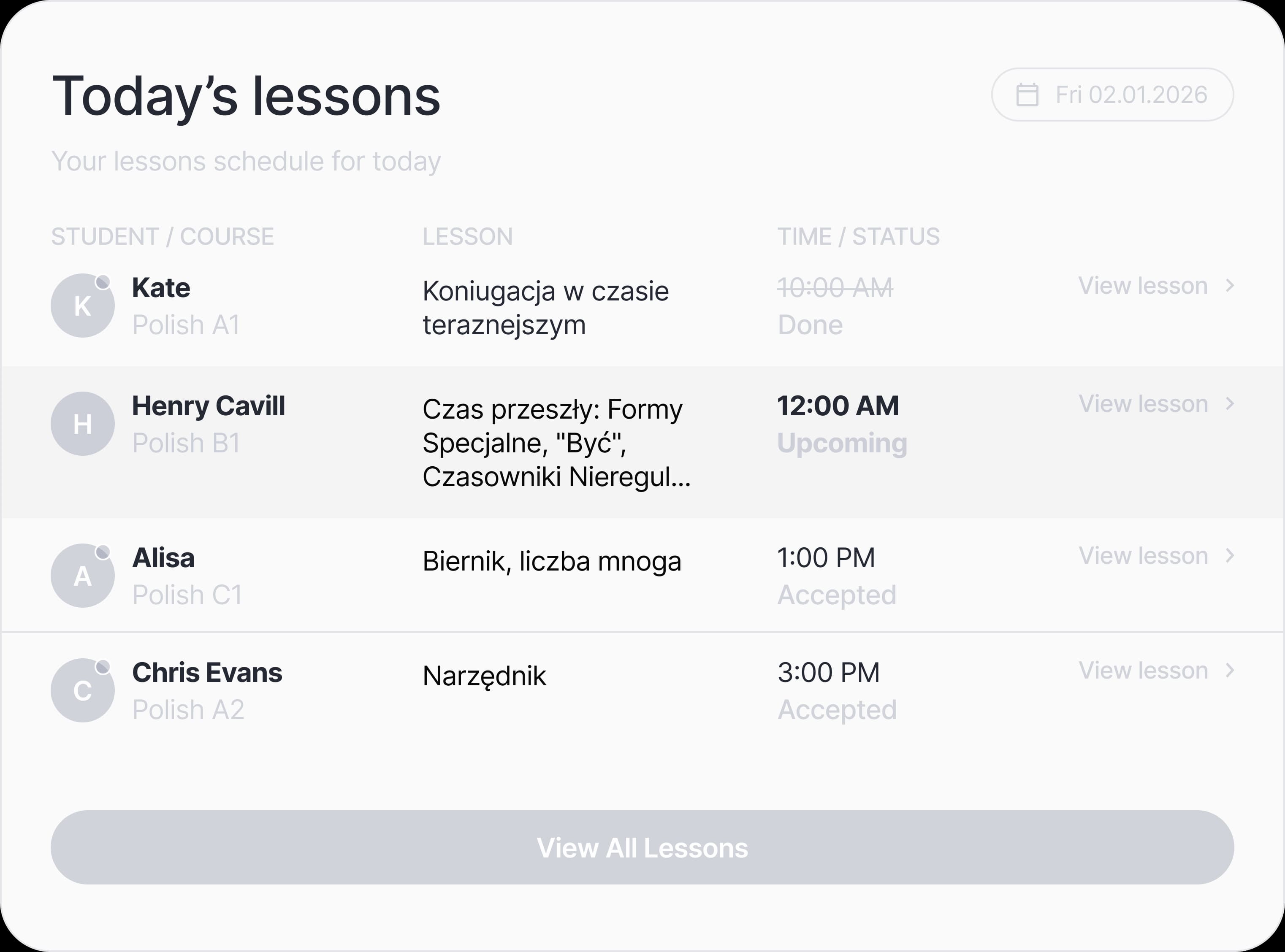
Schedule sessions, assign homework, and send updates to the class while each student's work remains separate.
Review lessons held, attendance, lesson hours, completed exercises, checked homework, and cancellations.
Use attendance and activity tiers to spot students who need attention before they drift away.
Check attendance, exercise completion, homework status, and recent activity before the next class.
Show teacher availability, schedule recurring sessions, handle timezones, and let students request suitable time slots.
Create weekly or bi-weekly lessons once and keep the course calendar predictable.
Participants receive calendar files that work with Google Calendar, Outlook, and Apple Calendar.
Set timezone once and let sessions appear in each participant's local time.
Students can request eligible 1:1 time slots when the teacher has filled availability.
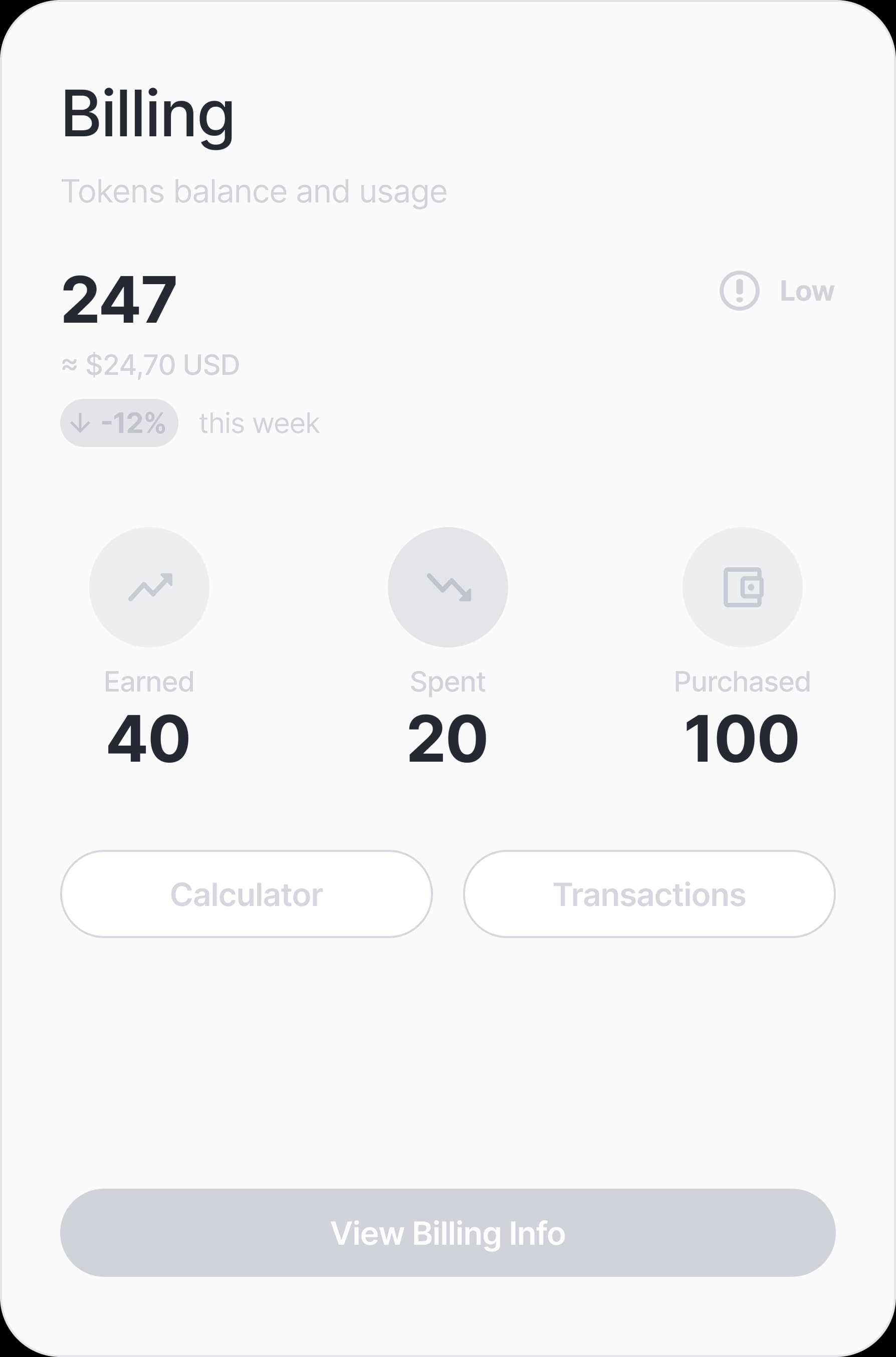
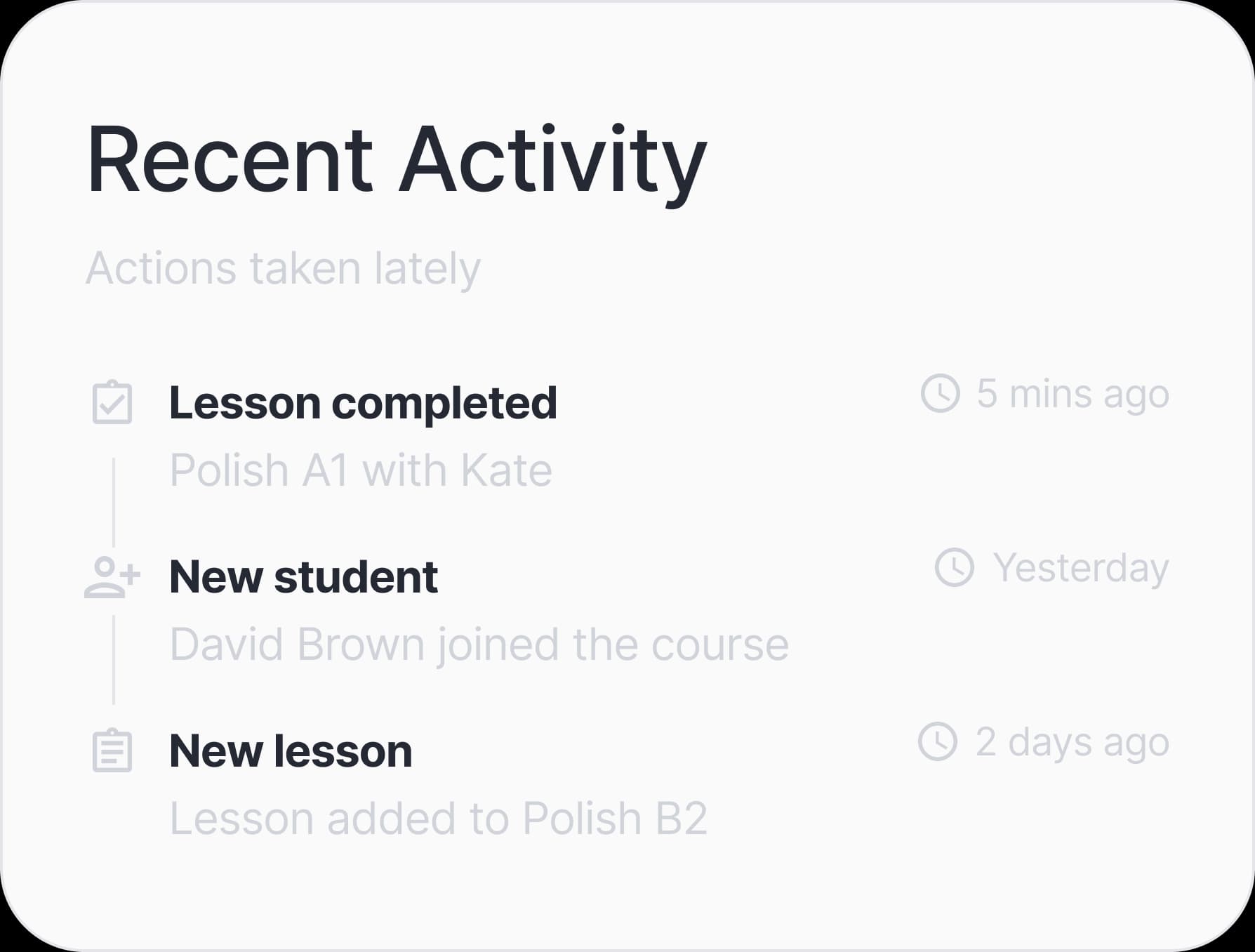
Track student balances and transactions, send calendar invitations, export records, and keep teachers and students connected.
Use your domain, logo, support email, and invite-based registration for a branded school workspace.
In your own words
Stuck on a tricky rule or a word that just won't translate? We explain it in your own native language, so nothing gets lost on the way to fluency.
37 native languages supported
Start with one topic or material, turn it into an interactive lesson, and keep practice connected after class.
Start Teaching Free